




Contact count
Eight for RJ45, four or six for RJ11. The housings differ in width and keying, so an RJ11 plug fits an RJ45 jack but not the reverse.
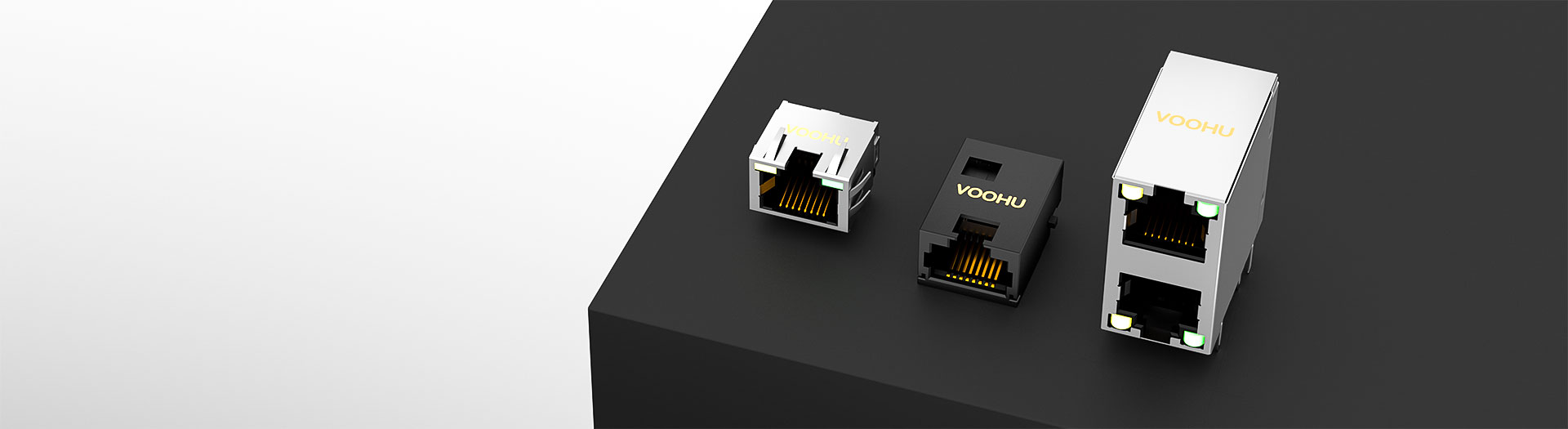
Produits de connecteurs E/S
The main RJ45 range covers vertical and right angle PCB jacks, shielded and unshielded, with or without integrated magnetics. Start from the link speed and the panel arrangement, then decide whether the magnetics belong in the connector or on the board.
Recherche et sélection de références
Le tableau utilise les fiches produits actuelles du site anglophone, les critères de sélection publiés et les liens vers les fichiers techniques propres à chaque référence.
* Colonnes Image et Référence figées · faites glisser horizontalement pour consulter toutes les caractéristiques
| Image | Fiche technique | Comparer | Téléchargements |
Catégorie
|
Type de connecteur
|
Ports
|
Languette
|
Modules de connecteurs intégrés
|
Débit de données
|
PoE
|
LED
|
Mode de montage
|
Languettes de blindage
|
EMI / joint
|
Température de fonctionnement
|
Échantillon |
|---|
| Image | Référence | Fiche technique | Comparer | Téléchargements | Catégorie | Type de connecteur | Ports | Languette | Modules de connecteurs intégrés | Débit de données | PoE | LED | Mode de montage | Languettes de blindage | EMI / joint | Température de fonctionnement | Échantillon |
|---|---|---|---|---|---|---|---|---|---|---|---|---|---|---|---|---|---|
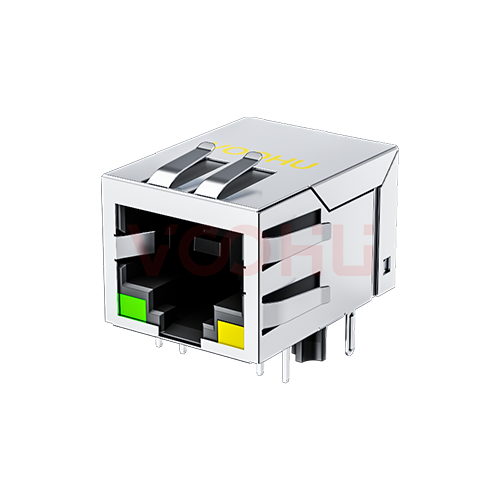 |
SYT111B372EA2A1DFL | SPEC | Connecteur RJ45 | 90° | 1 x 1 | Bas | OUI | 10/100M | Non-PoE | G/Y | DIP | OUI | OUI | -40 à +85°C |
|
||
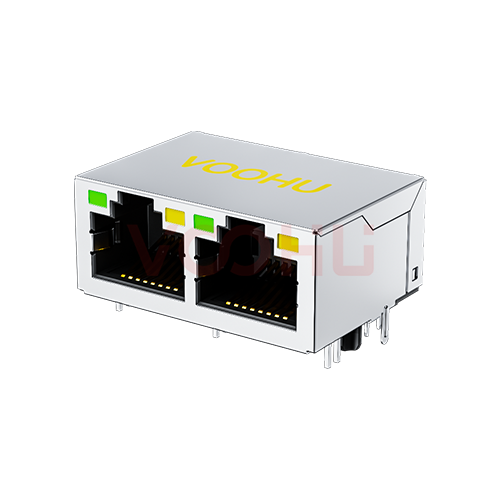 |
SYT212Q787CD2A1DP | SPEC | Connecteur RJ45 | 90° | 1 x 2 | Haut | OUI | 100/1000M | 600mA | G/Y | DIP | OUI | NON | -40 à +85°C |
|
||
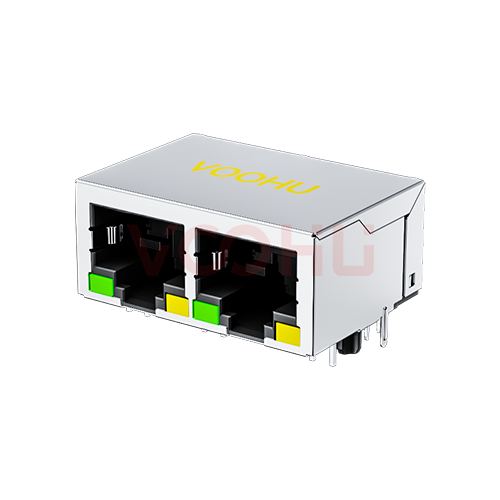 |
SYT112Q787AB2A1D3P | SPEC | Connecteur RJ45 | 90° | 1 x 2 | Bas | OUI | 100/1000M | 600mA | G/Y | DIP | OUI | NON | -40 à +85°C |
|
||
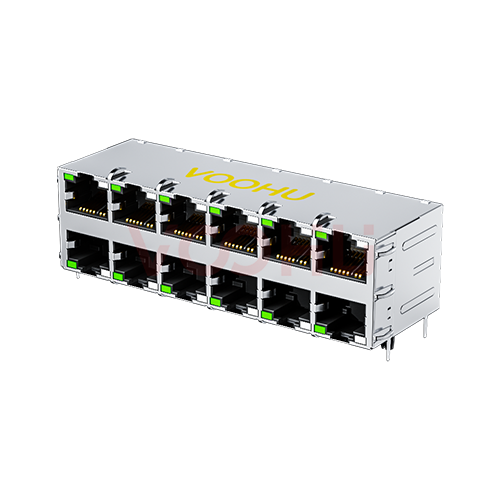 |
WH59G82606623C12 | SPEC | Connecteur RJ45 | 90° | 2 x 6 | Haut/Bas | OUI | 100/1000M +SPD | Non-PoE | G/GY | DIP | OUI | OUI | -40 à +85°C |
|
||
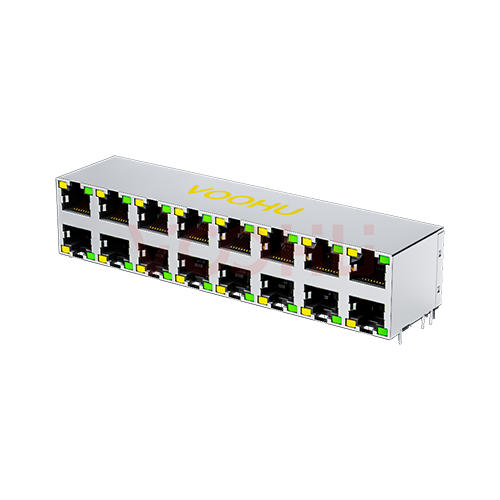 |
WH59B38882111101 | SPEC | Connecteur RJ45 | 90° | 2 x 8 | Haut/Bas | NON | Tous | Non-PoE | Y/G | DIP | OUI | NON | -40 à +85°C |
|
||
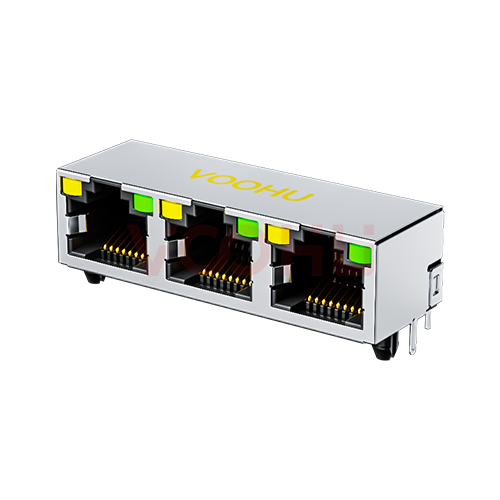 |
WH56I338821121101 | SPEC | Connecteur RJ45 | 90° | 1 x 3 | Haut | NON | Tous | Non-PoE | Y/G | DIP | OUI | OUI | -40 à +85°C |
|
||
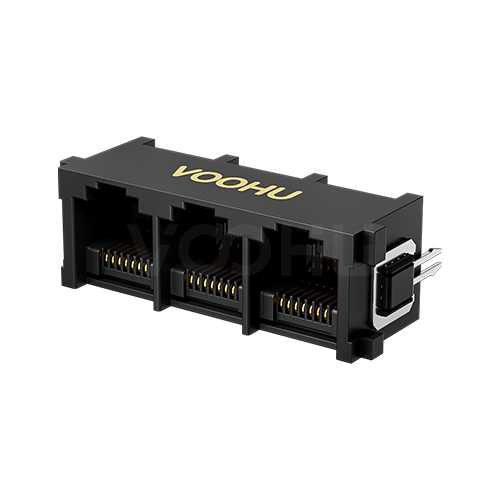 |
WH52B388121101 | SPEC | Connecteur RJ45 | 180° | 1 x 3 | Haut | NON | Tous | Non-PoE | Sans LED | DIP | NON | NON | -40 à +85°C |
|
||
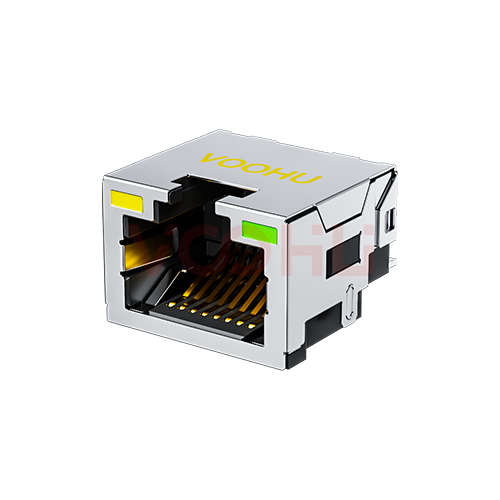 |
SYTCB851188AB1W6SB1075 | SPEC | Connecteur RJ45 | 90° | 1 x 1 | Haut | NON | Tous | Non-PoE | Y/G | SMD | OUI | NON | -40 à +85°C |
|
||
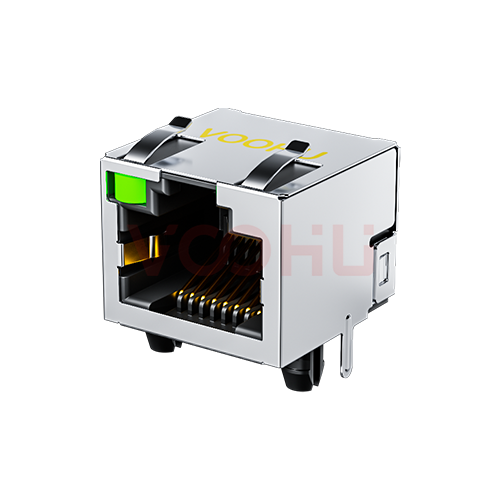 |
WH56A3188C041101 | SPEC | Connecteur RJ45 | 90° | 1 x 1 | Haut | NON | Tous | Non-PoE | G/- | DIP | OUI | OUI | -40 à +85°C |
|
||
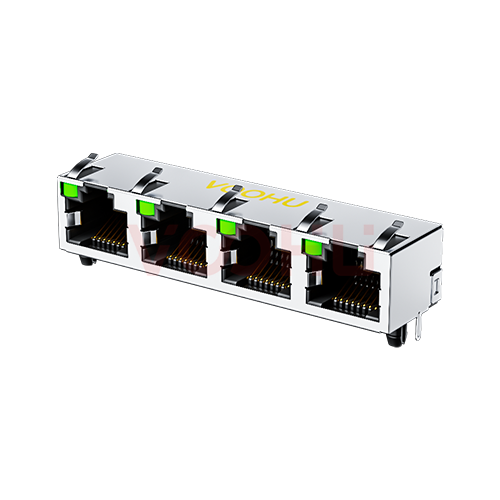 |
WH56I3488C0141101 | SPEC | Connecteur RJ45 | 90° | 1 x 4 | Haut | NON | Tous | Non-PoE | G/- | DIP | OUI | OUI | -40 à +85°C |
|
||
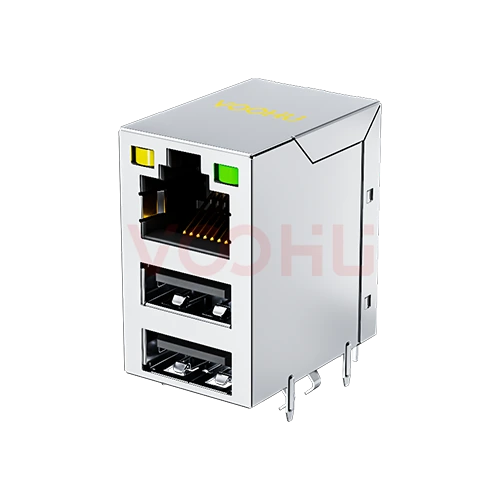 |
WH8201078812101 | SPEC | Connecteur RJ45 | 90° | 1 x 1 | Haut | NON | Tous | Non-PoE | Y/G | DIP | OUI | NON | -40 à +85°C |
|
||
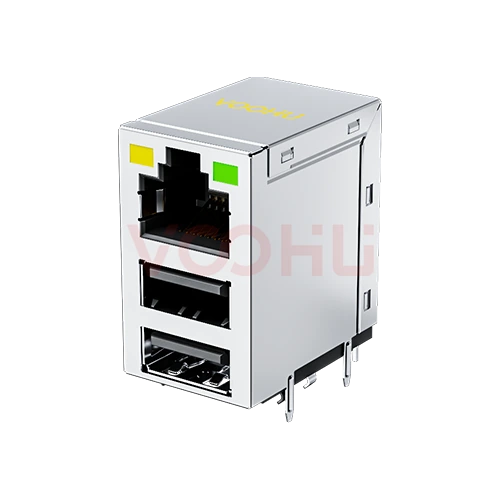 |
WH8201078832101 | SPEC | Connecteur RJ45 | 90° | 1 x 1 | Haut | NON | Tous | Non-PoE | Y/G | DIP | OUI | NON | -40 à +85°C |
|
||
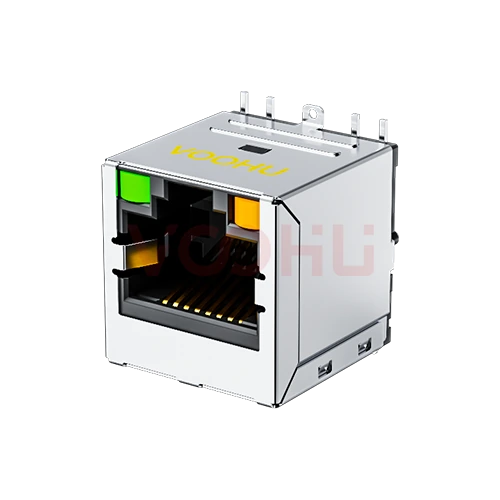 |
SYT511Q425AB5A7SA057 | SPEC | Connecteur RJ45 | 180° | 1 x 1 | Haut | OUI | 100/1000M | Non-PoE | G/O | SMD | OUI | NON | -40 à +85°C |
|
||
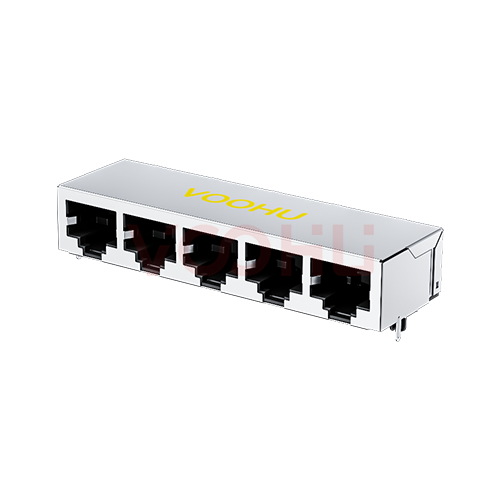 |
WH59A35880521211101 | SPEC | Connecteur RJ45 | 90° | 1 x 5 | Bas | NON | Tous | Non-PoE | Sans LED | DIP | OUI | NON | -40 à +85°C |
|
||
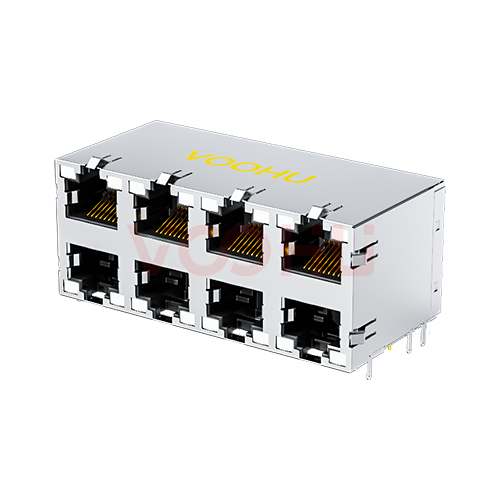 |
WH59B3488L121101 | SPEC | Connecteur RJ45 | 90° | 2 x 4 | Haut/Bas | NON | Tous | Non-PoE | GY/GY | DIP | OUI | OUI | -40 à +85°C |
|
||
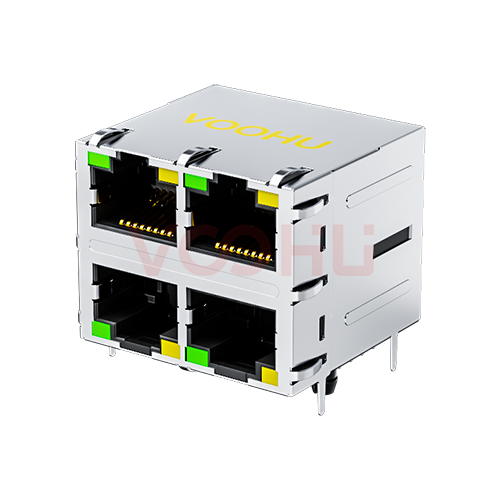 |
WH59F442B2225C12 | SPEC | Connecteur RJ45 | 90° | 2 x 2 | Haut/Bas | OUI | 10/100M | Non-PoE | G/Y | DIP | OUI | OUI | -40 à +85°C |
|
||
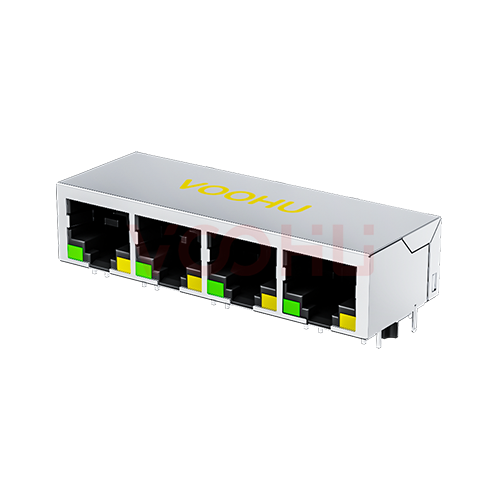 |
SYT114B002AA2A1D3 | SPEC | Connecteur RJ45 | 90° | 1 x 4 | Bas | OUI | 10/100M | Non-PoE | G/Y | DIP | OUI | NON | -40 à +85°C |
|
||
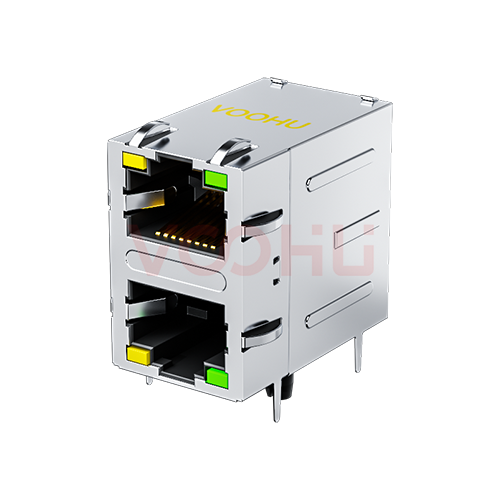 |
WH59G8821123C12 | SPEC | Connecteur RJ45 | 90° | 2 x 1 | Haut/Bas | OUI | 100/1000M | Non-PoE | Y/G | DIP | OUI | OUI | -40 à +85°C |
|
||
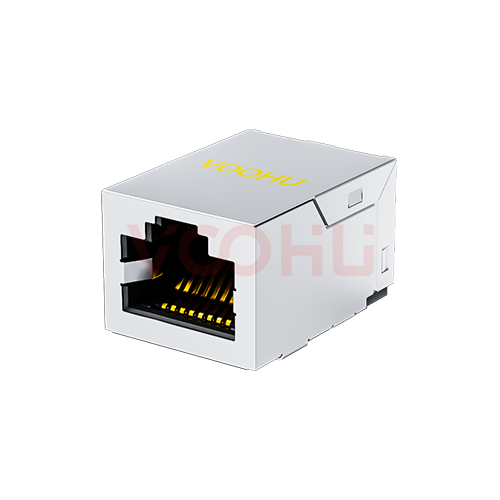 |
SYT911Q122GWA7S359 | SPEC | Connecteur RJ45 | 90° | 1 x 1 | Haut | OUI | 100/1000M | Non-PoE | Sans LED | SMD | OUI | NON | -40 à +85°C |
|
||
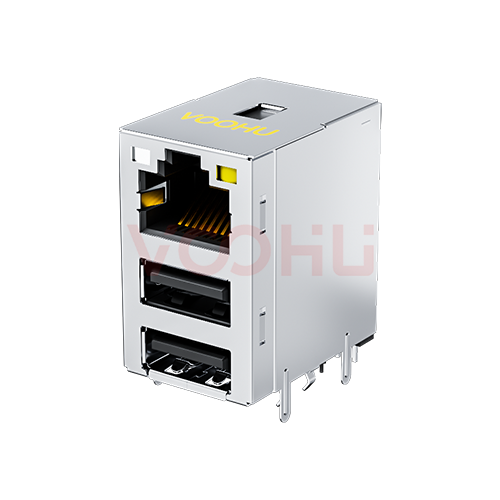 |
SYT711U3Q534AF5WDT3B057 | SPEC | Connecteur RJ45 | 90° | 1 x 1 | Haut | OUI | 100/1000M | Non-PoE | GO/Y | DIP | OUI | NON | -40 à +85°C |
|
Élargissez les filtres sélectionnés ou effacez la recherche en cours.
By type
RJ45, RJ11, offset and low height variants, combination housings and dust plugs.
Comment sélectionner
Contact count, then orientation and height, then shielding, then magnetics.
RJ45 uses eight contacts for Ethernet, often written 8P8C. RJ11 uses four or six for telephony and low speed serial. They are not interchangeable.
Vertical, right angle or offset, depending on whether the cable enters the panel horizontally and where the board sits behind it.
Low height variants exist for slim assemblies. Confirm the clearance above the board as well as the panel cutout before selecting.
Shielded housings help emissions and need a defined chassis path. Integrated magnetics save board area but fix the transformer choice.
Parameters
Contact count and mounting orientation decide fit; shielding decides emissions.
Eight for RJ45, four or six for RJ11. The housings differ in width and keying, so an RJ11 plug fits an RJ45 jack but not the reverse.
Vertical, right angle or offset. Offset variants shift the opening relative to the board so the panel cutout can sit at a different height.
Through hole gives mechanical strength for repeated plugging. Surface mount suits automated assembly but usually needs additional retention.
Low profile variants reduce the clearance needed above the board. Confirm both the body height and the panel cutout position together.
A shielded housing gives the cable screen a path to chassis. It needs a defined ground connection on the board to be effective.
Some RJ45 housings contain the LAN transformer. That saves board area but fixes the magnetics specification inside the connector.
Comparer
Contact count and mechanical keying separate what looks like one family.
Revenir au sélecteur ↑| Catégorie | Références | Type de connecteur | Ports | Languette | Modules de connecteurs intégrés | Débit de données | PoE | LED | Mode de montage | Languettes de blindage | EMI / joint | Température de fonctionnement | Action |
|---|---|---|---|---|---|---|---|---|---|---|---|---|---|
| Connecteur RJ11 | 37 | 90°, 180° | 1 x 1, 1 x 2, 1 x 4, 2 x 1 | Haut/Bas, haut/bas, Bas, Haut | NON | Tous | Sans PoE, Tous | Sans LED | DIP | OUI, NON | NON | -40 à +85°C | Filtrer → |
| Connecteur RJ45 | 627 | 45°, 90°, 180° | 1 x 1, 1 x 2, 1 x 3, 1 x 4, 1 x 5, 1 x 6, 1 x 8, 2 x 1, 2 x 2, 2 x 3, 2 x 4, 2 x 5, 2 x 6, 2 x 8 | Haut/Bas, haut/bas, Bas, Haut, Non spécifié | OUI, NON | Tous, 10/100M, 100/1000M, 2.5 Base-T, 5G Base-T, 10G Base-T, 10/100M +SPD, 100/1000M +SPD | Non-PoE, 350mA, 600mA, 720mA, 900mA, 850mA, 1000mA, 1.5A, Tous, Non spécifié | Sans LED, G/-, G/G, G/Y, G/O, G/GO, G/GY, GO/Y, GO/G, GY/Y, GY/G, GY/YG, GY/GY, GR/GG, GO/GO, GR/GR, GG/RG, OG/Y, Y/G, Y/GY, Y/GO, YG/G, YG/YG, -/G | DIP, SMD, Non spécifié | OUI, NON | OUI, NON | 0 à +70°C, -20 à +70°C, -40 à +85°C, -40 à +105°C | Filtrer → |
| Connecteur RJ45 décalé | 46 | 90° | 1 x 1, 1 x 4 | Bas, Haut | OUI, NON | Tous, 10/100M, 100/1000M, 2.5 Base-T, 10G Base-T | Sans PoE, Tous | Sans LED, G/Y, G/GY, GO/Y, GO/G, O/G, Y/G, Y/GO | DIP, SMD | OUI, NON | OUI, NON | 0 à +70°C, -40 à +85°C | Filtrer → |
| RJ45 à faible hauteur | 29 | 90° | 1 x 1 | Haut/Bas, Bas, Haut | OUI, NON | Tous, 10/100M, 100/1000M, 5G Base-T, 10G Base-T | Sans PoE, Tous | Sans LED, G/Y, GO/Y, GY/Y, GY/G, OG/Y, Y/G, YG/G | DIP | OUI, NON | OUI, NON | -40 à +85°C | Filtrer → |
| Connecteur RJ45 combiné | 32 | 90° | 1 x 1 | Haut | OUI, NON | Tous, 10/100M, 100/1000M, 2.5 Base-T, 5G Base-T, 10G Base-T | Sans PoE, Tous | Sans LED, G/Y, G/GY, GO/Y, GY/G, OG/Y, Y/G, Y/OG, Y/GO | DIP | OUI | OUI, NON | -40 à +85°C | Filtrer → |
| Bouchon antipoussière RJ45 | 2 | 180° | 1 x 1 | Non spécifié | NON | - | - | Sans LED, - | Non spécifié | NON | NON | -10 à +85°C, Non spécifié | Filtrer → |
| Connecteur RJ45 combiné | 1 | 90° | 1 x 1 | Haut | OUI | 2.5G Base-T | Non-PoE | G/Y | DIP | OUI | OUI | -40 à +85°C | Filtrer → |
Analyse de l’application
Confirm the link speed, the panel arrangement and the height available on the board.
Documents
Drawings carry the footprint, panel cutout, retention and recommended hole sizes.
Affichage de jeux de fichiers disponibles représentatifs. Recherchez un SKU précis.
Le contenu produit publié par VOOHU est vérifié par son équipe technique. Les caractéristiques, les téléchargements et les informations d’assistance technique sont associés à des références précises afin que vous puissiez les vérifier avant de demander des échantillons ou un devis.
Présentation de la catégorie
These connectors look like one family, but contact count, shielding and integrated magnetics each change what the port can do.
Discuter d’une nouvelle conception
Contacter l’équipe FAE pour une évaluation de remplacement.
Vous avez déjà une référence ? Demander des échantillons ou un devis.
RJ45 carries eight contacts, often written 8P8C, and is the Ethernet connector. RJ11 carries four or six in a narrower housing for telephony and low speed serial. An RJ11 plug will physically enter an RJ45 jack because it is narrower, which is a frequent source of confusion, but an RJ45 plug will not fit an RJ11 jack.
A shielded housing gives the cable screen somewhere to terminate, which helps emissions and immunity. It only does that if the board provides a defined low impedance path from the housing to chassis. A shielded connector wired to a floating shell can perform worse than an unshielded one, so plan the ground path early.
An RJ45 with the LAN transformer built into the housing saves board area and shortens the differential routing, which helps signal integrity. The trade is that the magnetics are fixed inside the part: you cannot change the transformer without changing the connector, and the speed is set at selection time.
FAQ
Answers cover RJ45 against RJ11, shielding, magnetics and mounting choices.
A jack with integrated magnetics contains the LAN transformer inside the housing, saving board area and shortening the differential routing. A plain jack leaves the transformer as a separate component you select yourself. The integrated version fixes the magnetics specification at connector selection time.
If the installation uses shielded cable, if the product faces demanding emission limits, or if the port sits in a noisy environment. The shield only helps when the board provides a defined low impedance path from the housing to chassis, so plan the ground connection alongside the connector choice.
A plain jack is largely speed agnostic, with the magnetics and the board layout deciding. A jack with integrated magnetics is different: the transformer inside is specified for a particular speed, so check that rating matches the link you intend to run, including any future upgrade.
It follows the panel. Right angle jacks suit a cable entering horizontally with the board mounted parallel to the panel. Vertical jacks suit a board perpendicular to the panel. Check both the panel cutout and the board footprint on the drawing before committing the layout.
With a complete part number, send the part number, quantity, delivery region and the date you need it. If you are still selecting, send the link speed, whether you need shielding or integrated magnetics, and the orientation and height available.
Assistance technique
Envoyez la référence candidate et la condition à examiner. Vous pourrez demander des échantillons une fois la sélection précisée ; les questions commerciales peuvent être abordées au cours du même échange technique.
Indiquez la révision du document
Température, tension d’isolement et conditions de courant PoE prises comme référence
Nombre de broches, pas et espacement entre les rangées de broches
Pour faciliter la priorisation des échantillons et de l’évaluation
Date à laquelle vous avez besoin de références candidates et d’un comparatif des différences
L’analyse technique identifie les références candidates et explique les différences.
Issues du sélecteur ou de l’analyse technique
Prototypage / présérie / production
Précisez séparément les délais des échantillons et de la production
Documents de conformité, déclarations de matières ou rapports de tiers
La quantité d’échantillons, le délai et le coût dépendent de la phase du projet et de la référence. L’équipe commerciale répond les jours ouvrés.




