




Link speed
100M, 1G or 2.5G depending on series. All devices also support 10Base-T on the copper side, so legacy links remain available.
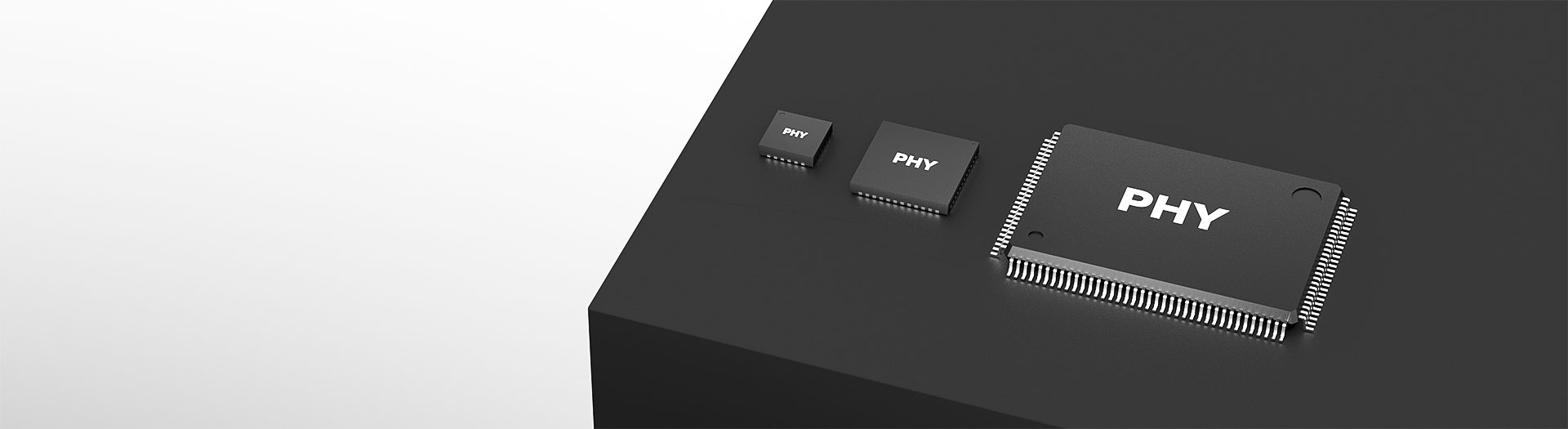
イーサネットインターフェースIC製品
JL2121 sits in the gigabit part of the Ethernet PHY range. Part level specifications are confirmed case by case, so send your host MAC interface, required temperature grade and volume and our engineers will advise on current options before you design it in.
型番検索・選定
この表では、海外サイトの現行製品データ、公開済みの選定項目、型番別の技術資料リンクを使用しています。
※画像列と型番列は固定されています。横にドラッグしてすべての仕様を確認できます
| 画像 | データシート | 比較 | ダウンロード |
シリーズ
|
データレート
|
ポート数
|
MACインターフェース
|
V(if)
|
銅線ポート
|
光ポート
|
モード
|
温度
|
パッケージ
|
サイズ
|
サンプル |
|---|
| 画像 | 型番 | データシート | 比較 | ダウンロード | シリーズ | データレート | ポート数 | MACインターフェース | V(if) | 銅線ポート | 光ポート | モード | 温度 | パッケージ | サイズ | サンプル |
|---|---|---|---|---|---|---|---|---|---|---|---|---|---|---|---|---|
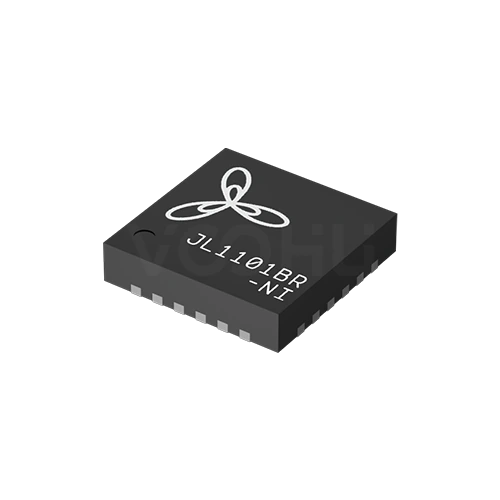 |
JL1101BR-NI | SPEC | JL1101シリーズ | 100M | 1 | RMII | 1.8V | 10 Bsae-T | 100 Base-FX | RMII-COP | -40~85℃ | QFN24 | 4*4 mm |
|
||
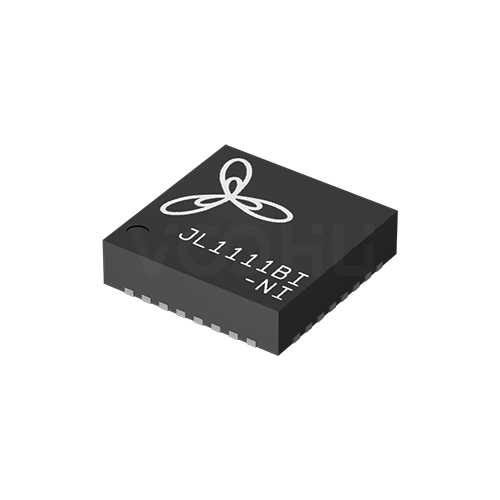 |
JL1111BI-NI(EtherCAT) | SPEC | JL1111シリーズ | 100M | 1 | MII | 1.8V | 10 Bsae-T | NA | MII-COP | -40~85℃ | QFN32 | 5*5 mm |
|
||
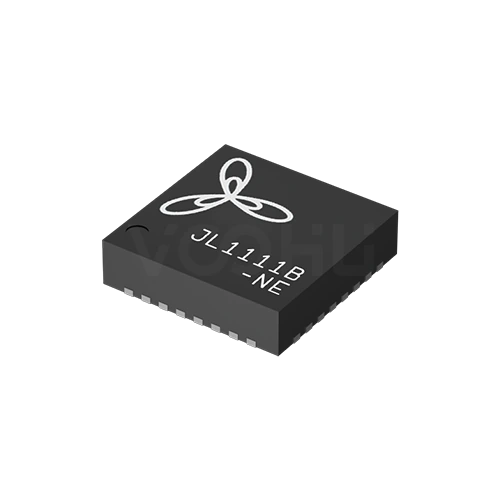 |
JL1111B -NE | SPEC | JL1111シリーズ | 100M | 1 | MII | 1.8V | 10 Bsae-T | 100 Base-FX | MII-COP | -40~105℃ | QFN32 | 5*5 mm |
|
||
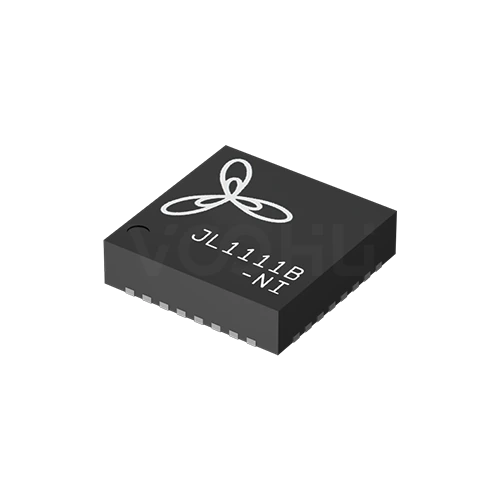 |
JL1111B -NI | SPEC | JL1111シリーズ | 100M | 1 | MII | 1.8V | 10 Bsae-T | 100 Base-FX | MII-COP | -40~85℃ | QFN32 | — |
|
||
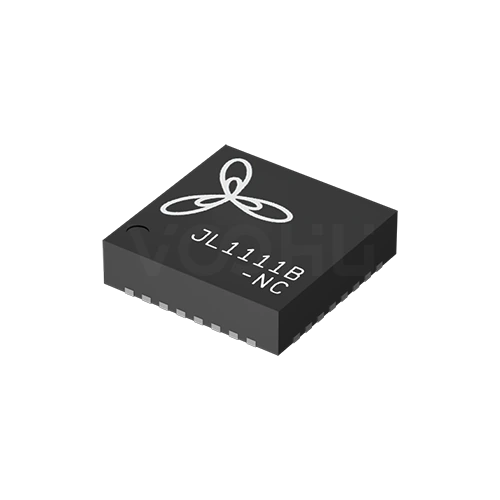 |
JL1111B -NC | SPEC | JL1111シリーズ | 100M | 1 | MII | 1.8V | 10 Bsae-T | 100 Base-FX | MII-COP | 0~70℃ | QFN32 | — |
|
||
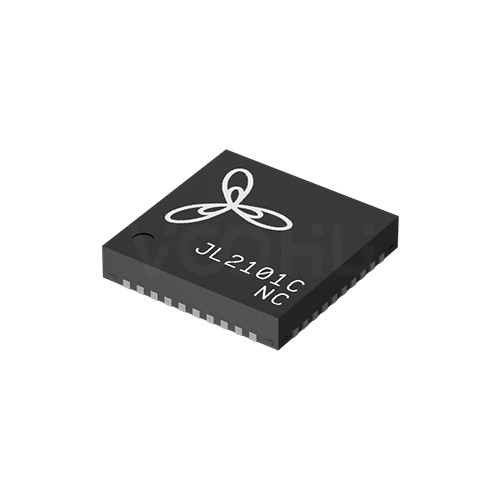 |
JL2101C-NC | SPEC | JL2101シリーズ | 1G | 1 | RGMII | 1.8V | 10 Bsae-T | NA | RGMII-COP | 0~70℃ | QFN40 | 5*5 mm |
|
||
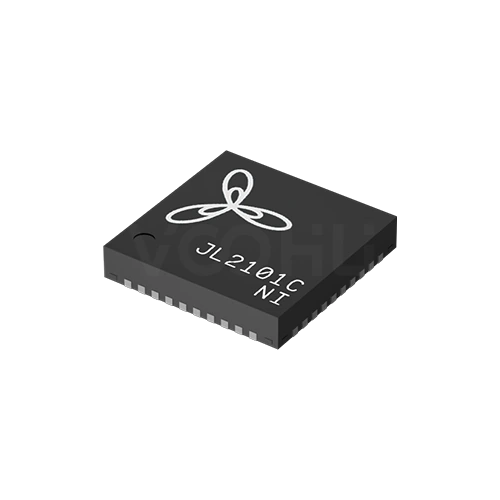 |
JL2101C-NI | SPEC | JL2101シリーズ | 1G | 1 | RGMII | 1.8V | 10 Bsae-T | NA | RGMII-COP | -40~85℃ | QFN40 | 5*5 mm |
|
||
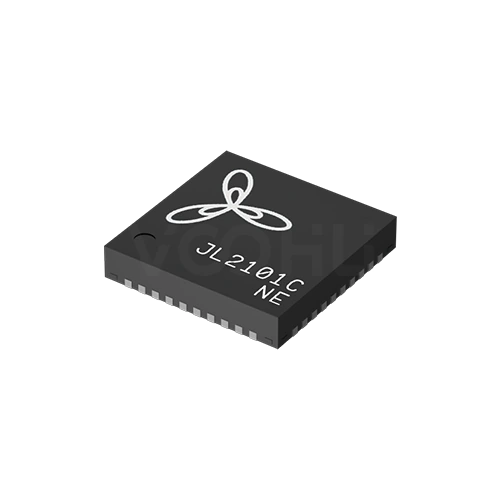 |
JL2101C-NE | SPEC | JL2101シリーズ | 1G | 1 | RGMII | 1.8V | 10 Bsae-T | NA | RGMII-COP | -40~105℃ | QFN40 | 5*5 mm |
|
||
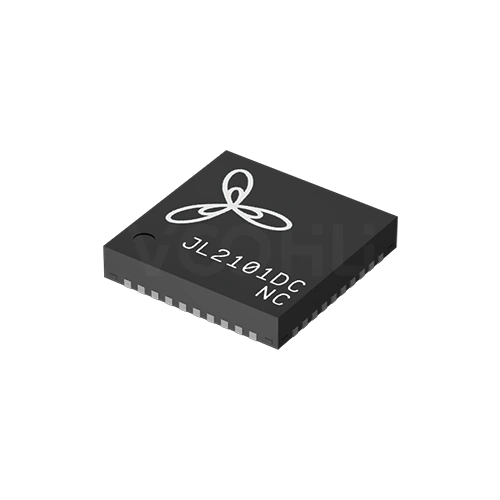 |
JL2101DC-NC | SPEC | JL2101シリーズ | 1G | 1 | RGMII | 1.8V | 10 Bsae-T | NA | RGMII-COP | 0~70℃ | QFN40 | 5*5 mm |
|
||
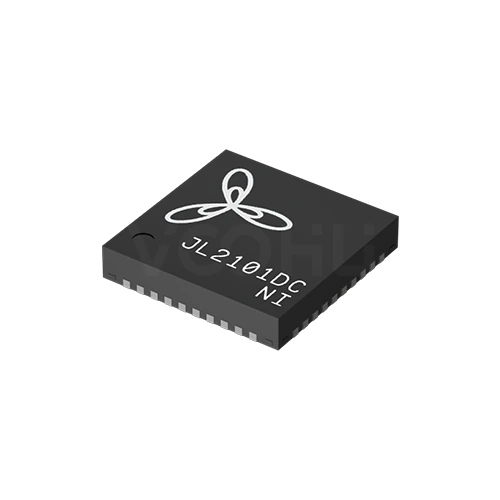 |
JL2101DC-NI | SPEC | JL2101シリーズ | 1G | 1 | RGMII | 1.8V | 10 Bsae-T | NA | RGMII-COP | -40~85℃ | QFN40 | 5*5 mm |
|
||
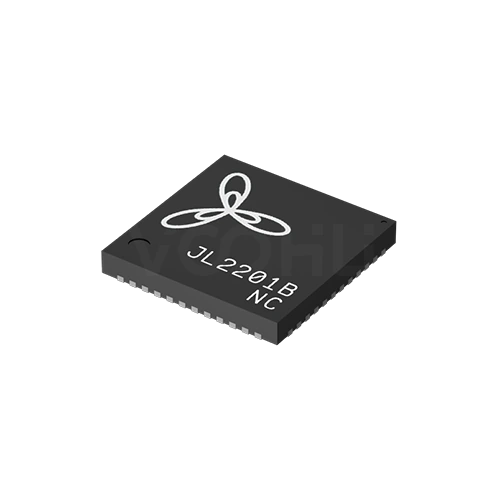 |
JL2201B -NC | SPEC | JL2201シリーズ | 1G | 1 | RGMII | 1.8V | 10 Bsae-T | 1000 Base-X | RGMII-COP | 0~70℃ | QFN48 | 6*6 mm |
|
||
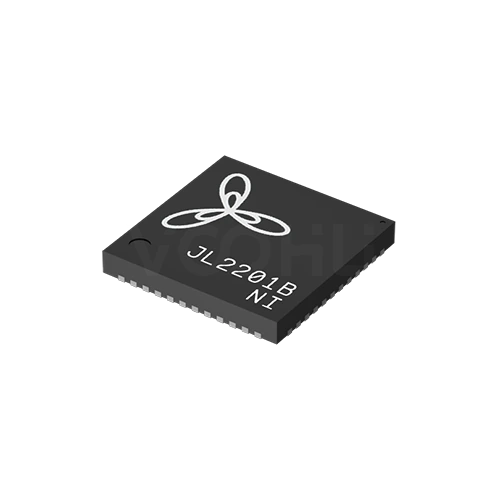 |
JL2201B -NI | SPEC | JL2201シリーズ | 1G | 1 | RGMII | 1.8V | 10 Bsae-T | 1000 Base-X | RGMII-COP | -40~85℃ | QFN48 | 6*6 mm |
|
||
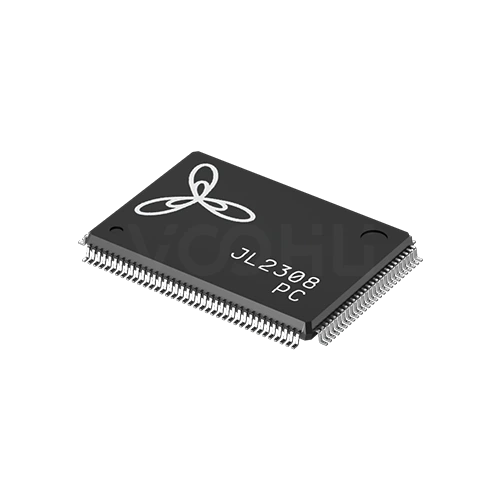 |
JL2308-PC | SPEC | JL2308シリーズ | 1G | 8 | QSGMII | NA | 10 Bsae-T | NA | QSGMII-COP | 0~70℃ | LQFP128 | 20*14 mm |
|
||
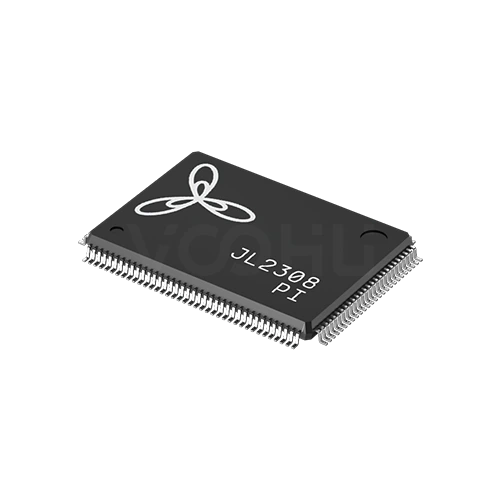 |
JL2308-PI | SPEC | JL2308シリーズ | 1G | 8 | QSGMII | NA | 10 Bsae-T | NA | QSGMII-COP | -40~85℃ | LQFP128 | 20*14 mm |
|
||
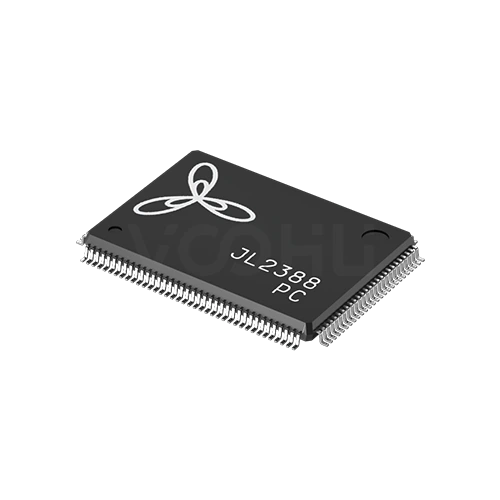 |
JL2388-PC | SPEC | JL2388シリーズ | 1G | 8 | QSGMII | NA | 10 Bsae-T | NA | QSGMII-COP | 0~70℃ | LQFP128 | 20*14 mm |
|
||
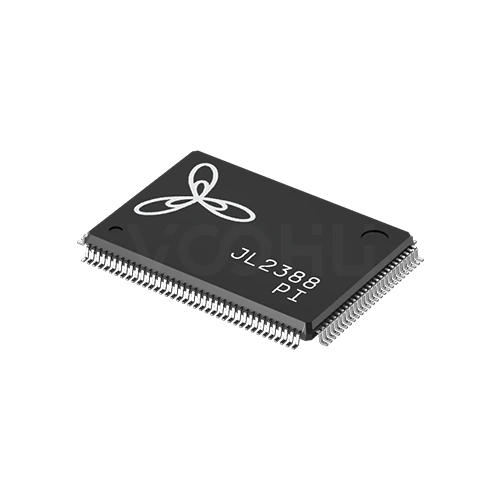 |
JL2388-PI | SPEC | JL2388シリーズ | 1G | 8 | QSGMII | NA | 10 Bsae-T | NA | QSGMII-COP | -40~85℃ | LQFP128 | 20*14 mm |
|
||
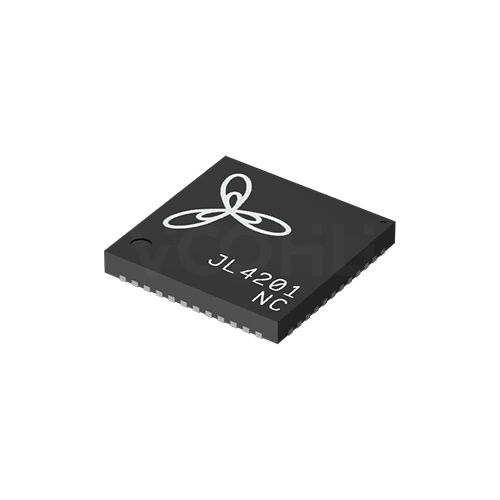 |
JL4201-NC | SPEC | JL4201シリーズ | 2.5G | 1 | SGMII | NA | 10 Bsae-T | 2500 Base-X | (H)SGMII-COP | 0~70℃ | QFN48 | 6*6 mm |
|
||
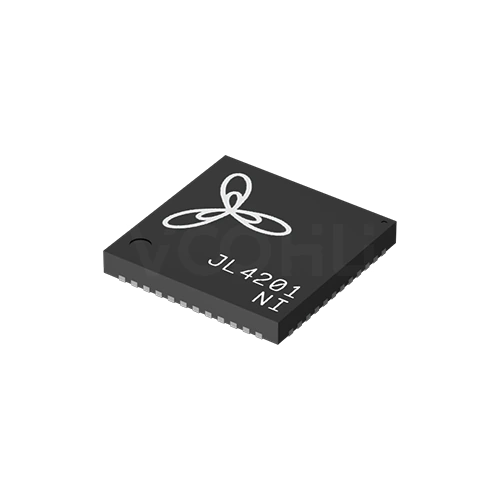 |
JL4201-NI | SPEC | JL4201シリーズ | 2.5G | 1 | SGMII | NA | 10 Bsae-T | 2500 Base-X | (H)SGMII-COP | -40~85℃ | QFN48 | 6*6 mm |
|
選択した条件を広げるか、現在の検索条件をクリアしてください。
By series
Series are separated by link speed, port count and the MAC interface they present.
選定方法
MAC interface first, then speed and ports, then fibre, then temperature and package.
Confirm what your host controller provides: RMII, MII, RGMII, SGMII or QSGMII. These are not interchangeable, and the wrong choice cannot be fixed in software.
100M, 1G or 2.5G, and one port or eight. Eight-port devices aggregate to the host over QSGMII, so confirm the host has that bandwidth.
Some series support 100Base-FX or 1000Base-X, others are copper only. If the design needs a fibre port, check the specific part number rather than the series.
Suffixes separate 0 to 70, minus 40 to 85 and minus 40 to 105 degrees. Choose against the enclosure's internal temperature, not the room.
Parameters
The MAC interface and the temperature suffix decide compatibility more than speed does.
100M, 1G or 2.5G depending on series. All devices also support 10Base-T on the copper side, so legacy links remain available.
Single port for most series, or eight ports on the JL2308 and JL2388. Eight-port devices need a QSGMII-capable host.
RMII, MII, RGMII, SGMII or QSGMII. This has to match the host controller exactly; no external conversion makes two of them equivalent.
100Base-FX on parts of the 100M range, 1000Base-X on JL2201 and 2500Base-X on JL4201. Several series are copper only, marked NA.
The suffix carries it: NC for 0 to 70, NI for minus 40 to 85, NE for minus 40 to 105 degrees. Confirm the grade on the exact part number.
From QFN24 at 4 by 4 millimetres up to LQFP128 at 14 by 14. Pin count rises with port count and interface width.
比較
Speed, port count and MAC interface together define which series fits a design.
選定表に戻る ↑| シリーズ | 型番数 | データレート | ポート数 | MACインターフェース | V(if) | 銅線ポート | 光ポート | モード | 温度 | パッケージ | サイズ | 操作 |
|---|---|---|---|---|---|---|---|---|---|---|---|---|
| JL1101シリーズ | 1 | 100M | 1 | RMII | 1.8V | 10 Bsae-T | 100 Base-FX | RMII-COP | -40~85℃ | QFN24 | 4*4 mm | 絞り込み → |
| JL1111シリーズ | 4 | 100M | 1 | MII | 1.8V | 10 Bsae-T | NA, 100 Base-FX | MII-COP | 0~70℃, -40~85℃, -40~105℃ | QFN32 | 5*5 mm, 未指定 | 絞り込み → |
| JL2101シリーズ | 5 | 1G | 1 | RGMII | 1.8V | 10 Bsae-T | NA | RGMII-COP | 0~70℃, -40~85℃, -40~105℃ | QFN40 | 5*5 mm | 絞り込み → |
| JL2201シリーズ | 2 | 1G | 1 | RGMII | 1.8V | 10 Bsae-T | 1000 Base-X | RGMII-COP | 0~70℃, -40~85℃ | QFN48 | 6*6 mm | 絞り込み → |
| JL2308シリーズ | 2 | 1G | 8 | QSGMII | NA | 10 Bsae-T | NA | QSGMII-COP | 0~70℃, -40~85℃ | LQFP128 | 20*14 mm | 絞り込み → |
| JL2388シリーズ | 2 | 1G | 8 | QSGMII | NA | 10 Bsae-T | NA | QSGMII-COP | 0~70℃, -40~85℃ | LQFP128 | 20*14 mm | 絞り込み → |
| JL4201シリーズ | 2 | 2.5G | 1 | SGMII | NA | 10 Bsae-T | 2500 Base-X | (H)SGMII-COP | 0~70℃, -40~85℃ | QFN48 | 6*6 mm | 絞り込み → |
用途別確認
Confirm the host interface, the link speed and the environment the board runs in.
Documents
Datasheets carry the pinout, reference schematic and layout guidance for each series.
代表的な入手可能資料を表示しています。特定のSKUは検索して確認してください。
VOOHUが公開する製品情報は、エンジニアリングチームが確認しています。仕様、ダウンロード資料、技術サポート情報は型番ごとに紐付けられているため、サンプルや見積もりを依頼する前に確認できます。
カテゴリー概要
The most common selection error here is starting from link speed. The MAC interface is the constraint that cannot be worked around.
型番が決まっている場合は、サンプルまたは見積もりを依頼。
RMII, MII, RGMII, SGMII and QSGMII are different electrical and timing arrangements, not tiers of the same thing. A host that provides RGMII cannot drive an RMII device, and no software setting bridges them. Establish what your controller offers first, because it eliminates most of the range before speed is even considered.
Every device here supports copper, including 10Base-T. Fibre is selective: 100Base-FX appears on parts of the 100M range, 1000Base-X on the JL2201 and 2500Base-X on the JL4201. Fibre support is stated per part number rather than per series, so one variant of a series may have it and another may not.
The letters after the base number carry the rating. NC covers 0 to 70 degrees, NI covers minus 40 to 85, NE covers minus 40 to 105. Select against the temperature inside the enclosure at the highest ambient the product is rated for, not against room temperature.
よくあるご質問
Answers cover interface choice, fibre support, temperature grades and layout.
Specifications are confirmed per part number at enquiry rather than published as a fixed list here. Send your host MAC interface, required link speed, temperature grade and expected volume, and our engineers will confirm which current options apply before you commit the design.
All three sit in the gigabit part of the range. JL2101 presents RGMII and is copper only; JL2201 presents RGMII with 1000Base-X fibre support. For a direct comparison with JL2121, send your requirement and our engineers will set out the differences that matter to your design.
Confirm availability before committing. For any device where you need long term supply, ask about lifecycle status and lead time at the same time as the technical specification, so the design decision and the supply decision are made together.
The host controller and its MAC interface, the required link speed and port count, whether you need a fibre port, the operating temperature range and your expected annual volume. With those five, our engineers can usually respond with a shortlist immediately.
Send the host MAC interface, required speed, temperature grade, quantity and delivery region. Because part level detail for this series is confirmed at enquiry, a sales engineer will come back with the applicable part numbers before samples are arranged.
エンジニアサポート
候補型番と、確認が必要な条件をお送りください。候補が明確になった後にサンプル支援を追加でき、商取引に関するご質問も同じ技術相談の中でご相談いただけます。
資料のリビジョンも記載してください
温度、絶縁電圧、PoE電流の条件
ピン数、ピッチ、ピン列間隔
サンプルと評価の優先度確認に使用します
候補と相違点の比較が必要な時期
エンジニア確認により候補型番を選び、相違点をご説明します。
選定表またはエンジニア確認で選んだ型番
試作/パイロット生産/量産
サンプルと量産の時期を分けて記載してください
適合資料、材料宣言、第三者機関レポートなど
サンプル数量、リードタイム、費用は、プロジェクト段階と型番によって異なります。営業担当者より営業日にご回答します。




