Contact count
Eight for RJ45, four or six for RJ11. The housings differ in width and keying, so an RJ11 plug fits an RJ45 jack but not the reverse.
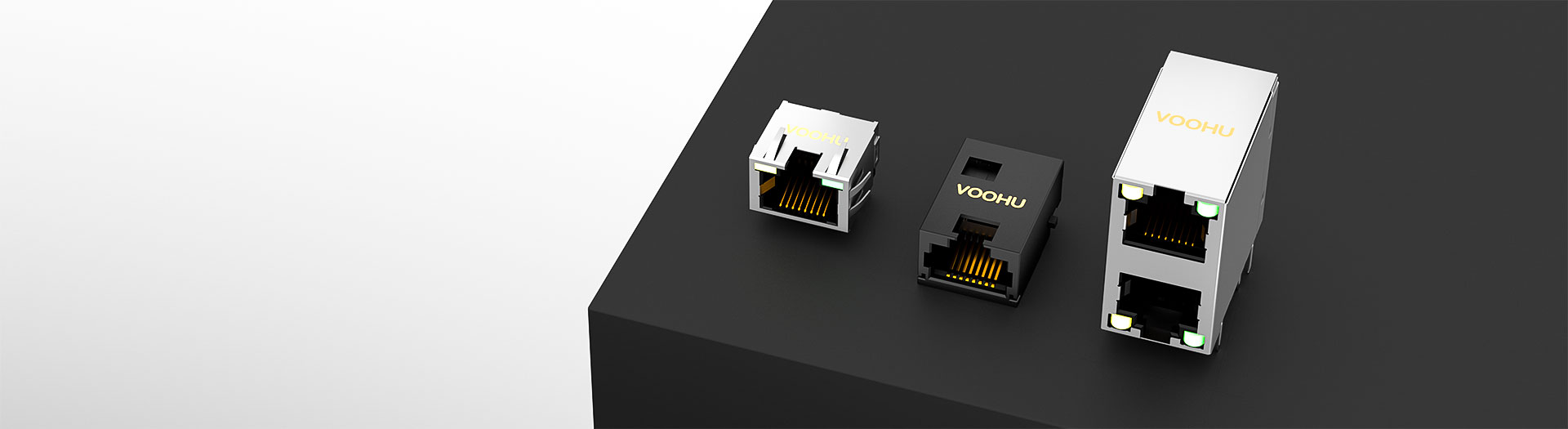
I/O Connector products
RJ45 carries eight contacts for Ethernet, RJ11 carries four or six for telephony and low speed serial. Select by contact count first, then by orientation, board height, shielding and whether the part needs integrated magnetics.
Part number search & selector
The table uses the current English-site product records, published selection fields and part-specific technical-file links.
* Frozen Image and Part Number columns · drag horizontally to review all specifications
| Image | Datasheet | Compare | Downloads |
Category
|
Connector Type
|
Ports
|
Tab
|
Integrated Connector Modules
|
Data Rate
|
PoE
|
LED
|
Mounting Method
|
Shield Tabs
|
EMI / Gasket
|
Operating Temperature
|
Sample |
|---|
| Image | Part number | Datasheet | Compare | Downloads | Category | Connector Type | Ports | Tab | Integrated Connector Modules | Data Rate | PoE | LED | Mounting Method | Shield Tabs | EMI / Gasket | Operating Temperature | Sample |
|---|---|---|---|---|---|---|---|---|---|---|---|---|---|---|---|---|---|
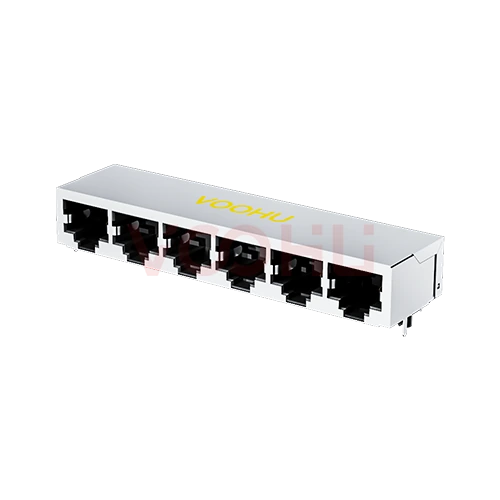 |
SYT59211618GWA1D7Y1022 | SPEC | RJ45 Connector | 90° | 1 x 6 | Down | NO | ALL | ALL | NO LED | DIP | YES | NO | -40 to +85°C |
|
||
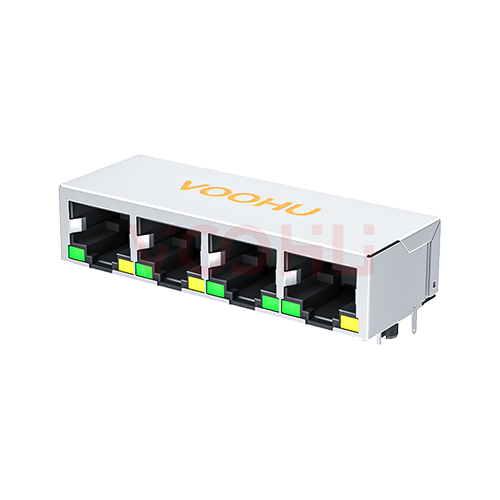 |
SYT59211488AB2A1DY1006 | SPEC | RJ45 Connector | 90° | 1 x 4 | Down | NO | ALL | ALL | G/Y | DIP | YES | NO | -40 to +85°C |
|
||
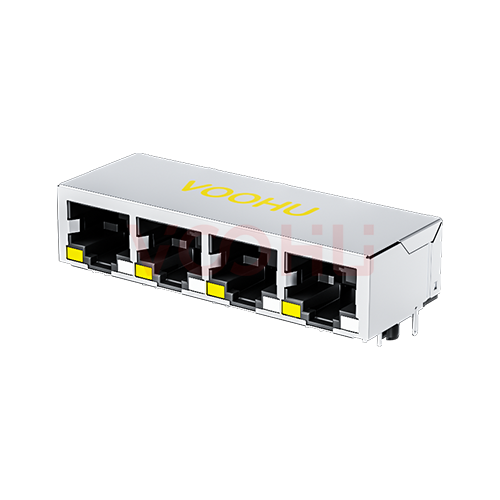 |
SYT59211488AE5A1DY1006 | SPEC | RJ45 Connector | 90° | 1 x 4 | Down | NO | ALL | ALL | Y/GO | DIP | YES | NO | -40 to +85°C |
|
||
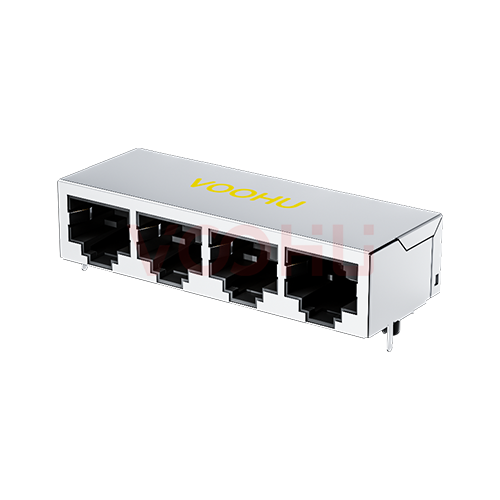 |
SYT59211418GWA1D7Y1022 | SPEC | RJ45 Connector | 90° | 1 x 4 | Down | NO | ALL | ALL | NO LED | DIP | YES | NO | -40 to +85°C |
|
||
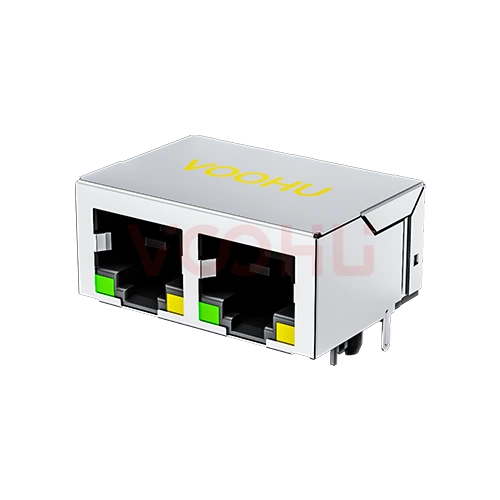 |
SYT59211288AB2A1DY1006 | SPEC | RJ45 Connector | 90° | 1 x 2 | Down | NO | ALL | ALL | G/Y | DIP | YES | NO | -40 to +85°C |
|
||
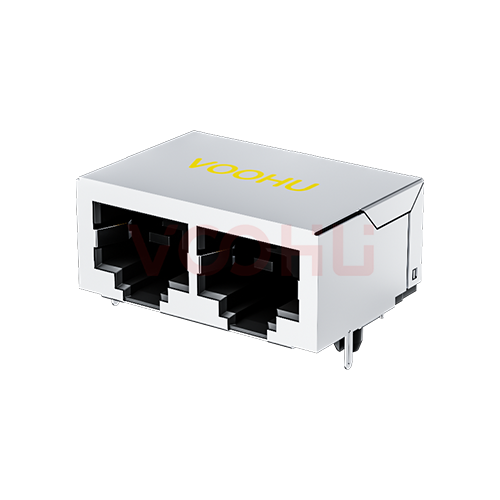 |
SYT59211218GWA3D7Y1027 | SPEC | RJ45 Connector | 90° | 1 x 2 | Down | NO | ALL | ALL | NO LED | DIP | YES | NO | -40 to +85°C |
|
||
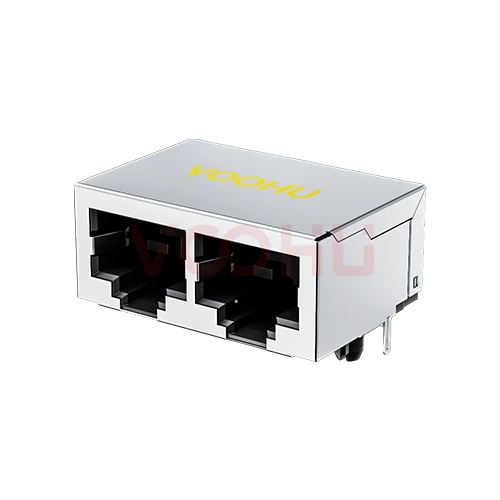 |
SYT59211218GWA3DY5027 | SPEC | RJ45 Connector | 90° | 1 x 2 | Down | NO | ALL | ALL | NO LED | DIP | YES | NO | -40 to +85°C |
|
||
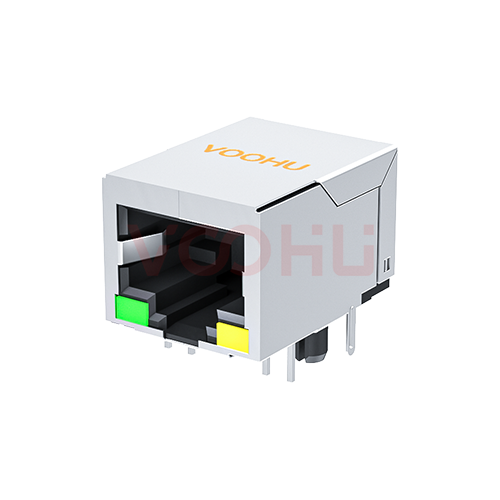 |
SYT59211118AA2A3DY1027 | SPEC | RJ45 Connector | 90° | 1 x 1 | Down | NO | ALL | ALL | G/Y | DIP | YES | NO | -40 to +85°C |
|
||
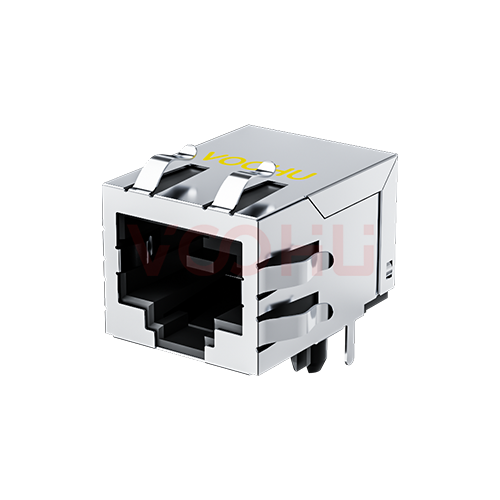 |
SYT59211118HWA3DY1027 | SPEC | RJ45 Connector | 90° | 1 x 1 | Down | NO | ALL | ALL | NO LED | DIP | YES | YES | -40 to +85°C |
|
||
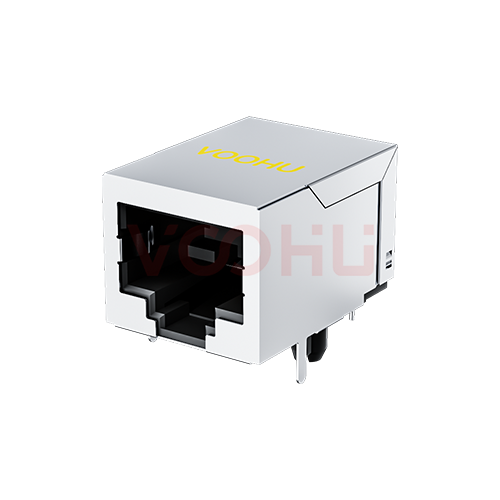 |
SYT59211118GWA3D7Y1027 | SPEC | RJ45 Connector | 90° | 1 x 1 | Down | NO | ALL | ALL | NO LED | DIP | YES | NO | -40 to +85°C |
|
||
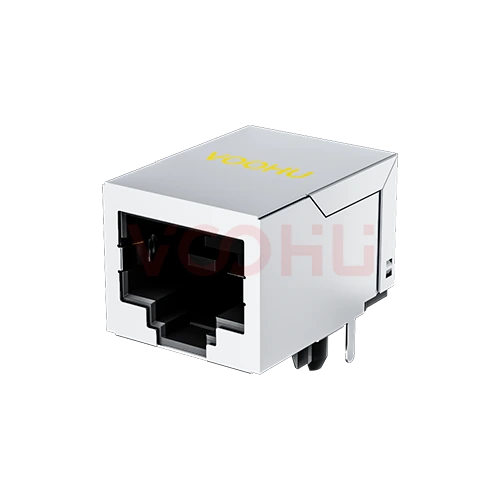 |
SYT59211118GWA3D1Y1027 | SPEC | RJ45 Connector | 90° | 1 x 1 | Down | NO | ALL | ALL | NO LED | DIP | YES | NO | -40 to +85°C |
|
||
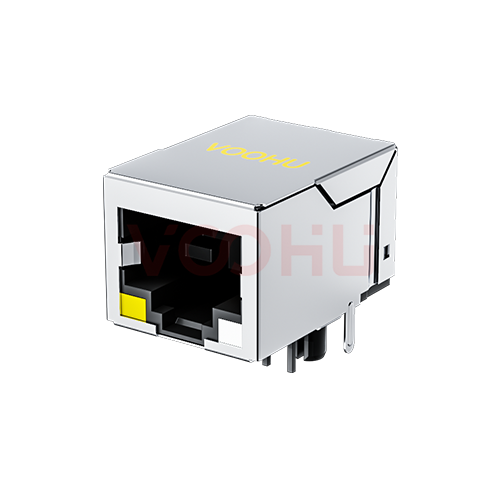 |
SYT59211188AE5A1DY1006 | SPEC | RJ45 Connector | 90° | 1 x 1 | Down | NO | ALL | ALL | Y/GO | DIP | YES | NO | -40 to +85°C |
|
||
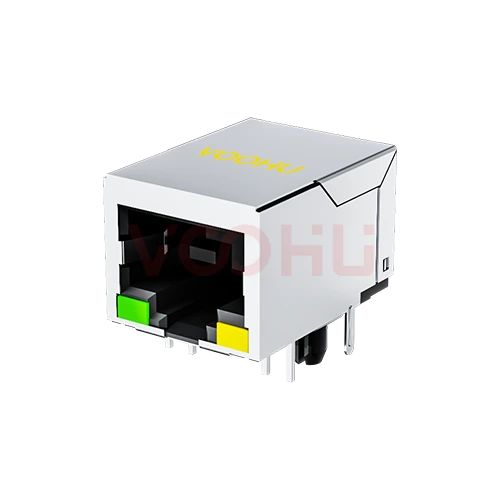 |
SYT59211118AB2A3DY1027 | SPEC | RJ45 Connector | 90° | 1 x 1 | Down | NO | ALL | ALL | G/Y | DIP | YES | NO | -40 to +85°C |
|
||
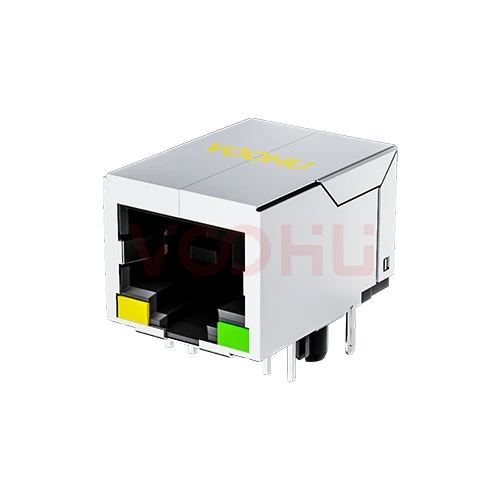 |
SYT59211118AB1A1DY4022 | SPEC | RJ45 Connector | 90° | 1 x 1 | Down | NO | ALL | ALL | Y/G | DIP | YES | NO | -40 to +85°C |
|
||
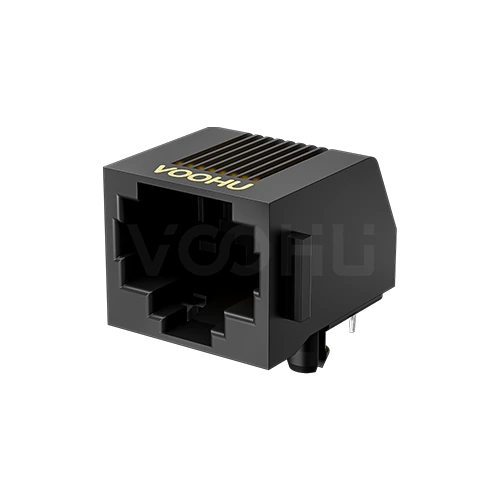 |
SYT5722E1188IWA1DB4 | SPEC | RJ45 Connector | 90° | 1 x 1 | Down | NO | ALL | ALL | NO LED | DIP | NO | NO | -40 to +85°C |
|
||
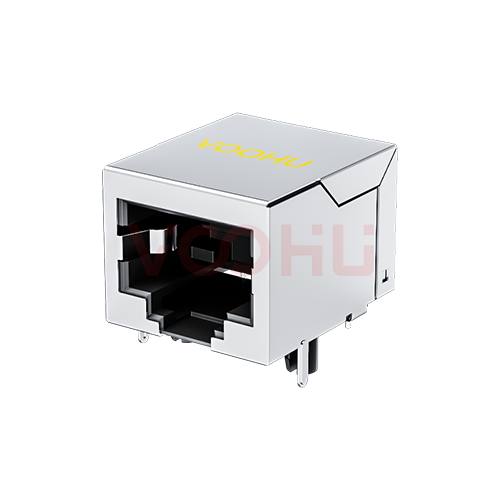 |
SYT56211118GWA3DY1027 | SPEC | RJ45 Connector | 90° | 1 x 1 | Down | NO | ALL | ALL | NO LED | DIP | YES | NO | -40 to +85°C |
|
||
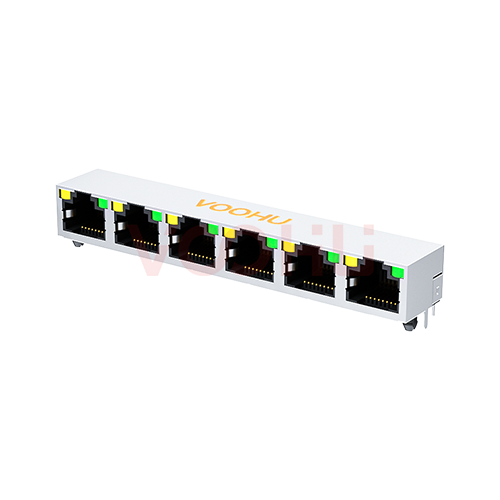 |
SYT561688AB1A1D9Y1022 | SPEC | RJ45 Connector | 90° | 1 x 6 | Up | NO | ALL | ALL | Y/G | DIP | YES | NO | -40 to +85°C |
|
||
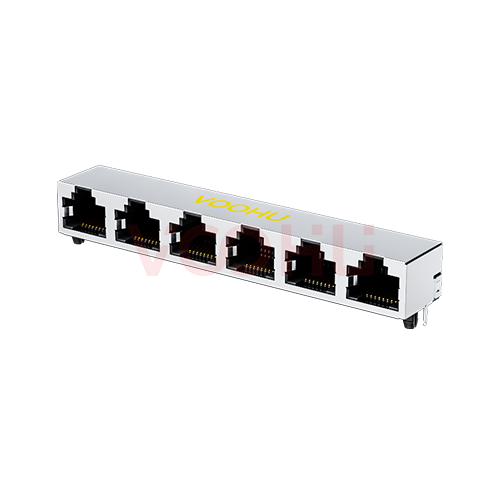 |
SYT561688GWA1D9Y1022 | SPEC | RJ45 Connector | 90° | 1 x 6 | Up | NO | ALL | ALL | NO LED | DIP | YES | NO | -40 to +85°C |
|
||
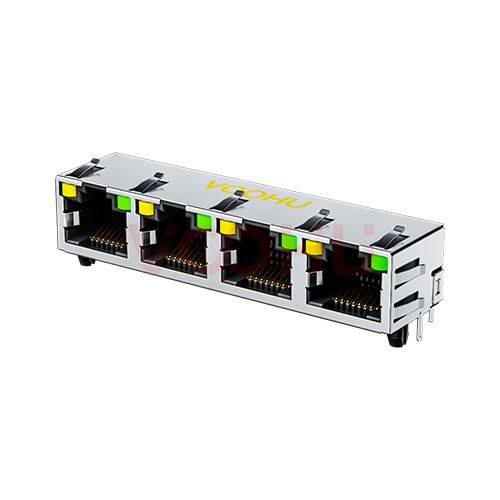 |
SYT561488DB1A3DY1027 | SPEC | RJ45 Connector | 90° | 1 x 4 | Up | NO | ALL | ALL | Y/G | DIP | YES | YES | -40 to +85°C |
|
||
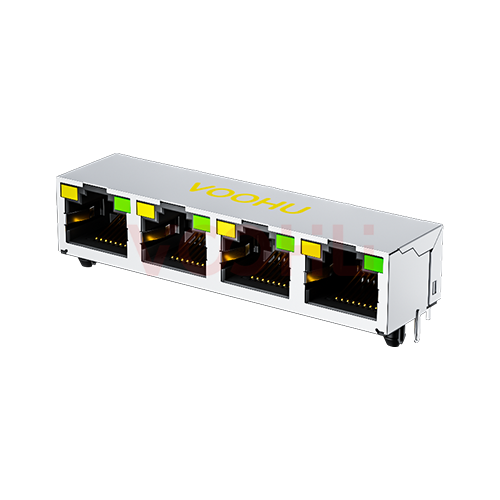 |
SYT561488AB1A3DY1027 | SPEC | RJ45 Connector | 90° | 1 x 4 | Up | NO | ALL | ALL | Y/G | DIP | YES | NO | -40 to +85°C |
|
Broaden the selected filters or clear the current search.
By type
RJ45, RJ11, offset and low height variants, combination housings and dust plugs.
How to select
Contact count, then orientation and height, then shielding, then magnetics.
RJ45 uses eight contacts for Ethernet, often written 8P8C. RJ11 uses four or six for telephony and low speed serial. They are not interchangeable.
Vertical, right angle or offset, depending on whether the cable enters the panel horizontally and where the board sits behind it.
Low height variants exist for slim assemblies. Confirm the clearance above the board as well as the panel cutout before selecting.
Shielded housings help emissions and need a defined chassis path. Integrated magnetics save board area but fix the transformer choice.
Parameters
Contact count and mounting orientation decide fit; shielding decides emissions.
Eight for RJ45, four or six for RJ11. The housings differ in width and keying, so an RJ11 plug fits an RJ45 jack but not the reverse.
Vertical, right angle or offset. Offset variants shift the opening relative to the board so the panel cutout can sit at a different height.
Through hole gives mechanical strength for repeated plugging. Surface mount suits automated assembly but usually needs additional retention.
Low profile variants reduce the clearance needed above the board. Confirm both the body height and the panel cutout position together.
A shielded housing gives the cable screen a path to chassis. It needs a defined ground connection on the board to be effective.
Some RJ45 housings contain the LAN transformer. That saves board area but fixes the magnetics specification inside the connector.
Compare
Contact count and mechanical keying separate what looks like one family.
Return to the selector ↑| Category | Parts | Connector Type | Ports | Tab | Integrated Connector Modules | Data Rate | PoE | LED | Mounting Method | Shield Tabs | EMI / Gasket | Operating Temperature | Action |
|---|---|---|---|---|---|---|---|---|---|---|---|---|---|
| RJ11 Connector | 37 | 90°, 180° | 1 x 1, 1 x 2, 1 x 4, 2 x 1 | Up/Down, up/down, Down, Up | NO | ALL | Non-PoE, ALL | NO LED | DIP | YES, NO | NO | -40 to +85°C | Filter → |
| RJ45 Connector | 627 | 45°, 90°, 180° | 1 x 1, 1 x 2, 1 x 3, 1 x 4, 1 x 5, 1 x 6, 1 x 8, 2 x 1, 2 x 2, 2 x 3, 2 x 4, 2 x 5, 2 x 6, 2 x 8 | Up/Down, up/down, Down, Up, Not specified | YES, NO | ALL, 10/100M, 100/1000M, 2.5 Base-T, 5G Base-T, 10G Base-T, 10/100M +SPD, 100/1000M +SPD | Non-PoE, 350mA, 600mA, 720mA, 900mA, 850mA, 1000mA, 1.5A, ALL, Not specified | NO LED, G/-, G/G, G/Y, G/O, G/GO, G/GY, GO/Y, GO/G, GY/Y, GY/G, GY/YG, GY/GY, GR/GG, GO/GO, GR/GR, GG/RG, OG/Y, Y/G, Y/GY, Y/GO, YG/G, YG/YG, -/G | DIP, SMD, Not specified | YES, NO | YES, NO | 0 to +70°C, -20 to +70°C, -40 to +85°C, -40 to +105°C | Filter → |
| RJ45 Offset Connector | 46 | 90° | 1 x 1, 1 x 4 | Down, Up | YES, NO | ALL, 10/100M, 100/1000M, 2.5 Base-T, 10G Base-T | Non-PoE, ALL | NO LED, G/Y, G/GY, GO/Y, GO/G, O/G, Y/G, Y/GO | DIP, SMD | YES, NO | YES, NO | 0 to +70°C, -40 to +85°C | Filter → |
| RJ45(Low Height) | 29 | 90° | 1 x 1 | Up/Down, Down, Up | YES, NO | ALL, 10/100M, 100/1000M, 5G Base-T, 10G Base-T | Non-PoE, ALL | NO LED, G/Y, GO/Y, GY/Y, GY/G, OG/Y, Y/G, YG/G | DIP | YES, NO | YES, NO | -40 to +85°C | Filter → |
| RJ45 Combination | 32 | 90° | 1 x 1 | Up | YES, NO | ALL, 10/100M, 100/1000M, 2.5 Base-T, 5G Base-T, 10G Base-T | Non-PoE, ALL | NO LED, G/Y, G/GY, GO/Y, GY/G, OG/Y, Y/G, Y/OG, Y/GO | DIP | YES | YES, NO | -40 to +85°C | Filter → |
| RJ45 Dust Plug | 2 | 180° | 1 x 1 | Not specified | NO | - | - | NO LED, - | Not specified | NO | NO | -10 to +85°C, Not specified | Filter → |
| RJ45 combined | 1 | 90° | 1 x 1 | Up | YES | 2.5G Base-T | Non-PoE | G/Y | DIP | YES | YES | -40 to +85°C | Filter → |
Application review
Confirm the link speed, the panel arrangement and the height available on the board.
Documents
Drawings carry the footprint, panel cutout, retention and recommended hole sizes.
Showing representative available file sets. Search to find a specific SKU.
VOOHU’s published product content is reviewed by its engineering team. Specifications, downloads and technical support information are tied to specific part numbers, so you can verify them before requesting samples or a quotation.
Category overview
These connectors look like one family, but contact count, shielding and integrated magnetics each change what the port can do.
Discuss a new design
Contact FAE for a replacement assessment.
Already have a part number? Request samples or a quote.
RJ45 carries eight contacts, often written 8P8C, and is the Ethernet connector. RJ11 carries four or six in a narrower housing for telephony and low speed serial. An RJ11 plug will physically enter an RJ45 jack because it is narrower, which is a frequent source of confusion, but an RJ45 plug will not fit an RJ11 jack.
A shielded housing gives the cable screen somewhere to terminate, which helps emissions and immunity. It only does that if the board provides a defined low impedance path from the housing to chassis. A shielded connector wired to a floating shell can perform worse than an unshielded one, so plan the ground path early.
An RJ45 with the LAN transformer built into the housing saves board area and shortens the differential routing, which helps signal integrity. The trade is that the magnetics are fixed inside the part: you cannot change the transformer without changing the connector, and the speed is set at selection time.
FAQ
Answers cover RJ45 against RJ11, shielding, magnetics and mounting choices.
RJ45 has eight contacts, often written 8P8C, and is used for Ethernet. RJ11 has four or six contacts in a narrower housing and is used for telephony and low speed serial links. They are not interchangeable, although an RJ11 plug will physically fit into the wider RJ45 jack.
Eight positions, eight contacts. It is the precise name for what most people call an RJ45 connector, describing a housing with eight contact positions all populated. The term appears on drawings and in standards documents where the registered jack designation would be less exact.
When the installation uses shielded cable, when the product must meet demanding emission limits, or when the port sits in an electrically noisy environment. The shielded housing only helps if the board gives it a defined low impedance path to chassis, so plan that connection with the connector choice.
It saves board area and shortens the differential routing, which helps signal integrity, but it fixes the magnetics specification inside the connector. If you need to choose the transformer independently, or if the link speed may change later, use a plain connector with discrete magnetics instead.
It shifts the opening vertically relative to the board, so the panel cutout can sit at a different height without moving the board. That is useful when the enclosure aperture is fixed by the industrial design and the board position is constrained by everything else inside.
Through hole gives more mechanical strength, which matters on a port that gets plugged and unplugged repeatedly or takes cable strain. Surface mount suits automated assembly and thinner boards but usually needs additional retention. Judge it on the expected mating cycles and the mechanical loading.
In dusty or humid environments, or where unused ports stay exposed for long periods, a dust plug keeps contamination out of the contacts. It is a low cost addition that prevents intermittent connections later, particularly on equipment installed in industrial or outdoor cabinets.
With a complete part number, send the part number, quantity, delivery region and the date you need it. If you are still selecting, send the contact count, orientation, height available, whether you need shielding or integrated magnetics, and the link speed.
Engineer support
Send the candidate part number and the condition you need reviewed. Sample support can be added after the selection is clear; commercial questions may be discussed in the same engineering conversation.
Include the document revision
Temperature, isolation voltage and PoE current basis
Pin count, pitch and spacing between pin rows
To help prioritize samples and evaluation
When you need candidates and a comparison of differences
Engineering review identifies candidate parts and explains the differences.
From the selector or engineering review
Prototyping / pilot build / production
Specify sample and production timing separately
Compliance documents, material declarations or third-party reports
Sample quantity, lead time and cost depend on the project stage and part number. Sales will respond on business days.