




Contact count
Eight for RJ45, four or six for RJ11. The housings differ in width and keying, so an RJ11 plug fits an RJ45 jack but not the reverse.

I/O Connector products
VOOHU RJ45 connectors carry eight contacts for Ethernet; RJ11 jacks carry four or six for telephony and low-speed serial. Select by contact count first, then by orientation, board height, shielding and whether the part needs integrated magnetics.
For OEM and volume orders. MOQ is one full reel, tray or tube per part.
Part number search & selector
The table uses the current English-site product records, published selection fields and part-specific technical-file links.
* Frozen Image and Part Number columns · drag horizontally to review all specifications
| Image | Datasheet | Compare | Downloads |
Category
|
Connector Type
|
Ports
|
Tab
|
Integrated Connector Modules
|
Data Rate
|
PoE
|
LED
|
Mounting Method
|
Shield Tabs
|
EMI / Gasket
|
Operating Temperature
|
Sample |
|---|
| Image | Part number | Datasheet | Compare | Downloads | Category | Connector Type | Ports | Tab | Integrated Connector Modules | Data Rate | PoE | LED | Mounting Method | Shield Tabs | EMI / Gasket | Operating Temperature | Sample |
|---|---|---|---|---|---|---|---|---|---|---|---|---|---|---|---|---|---|
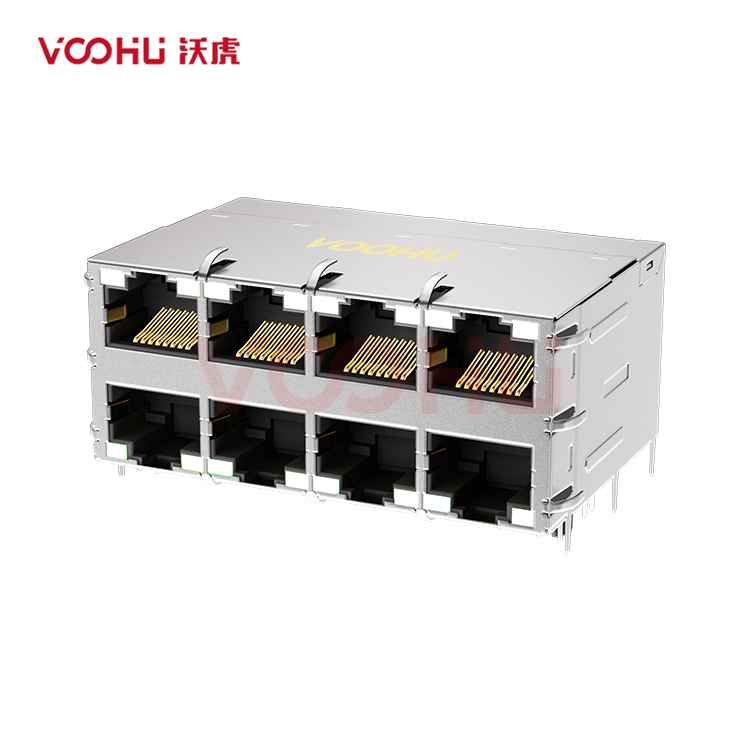 |
SYT24Q323DG4A2DP068 | SPEC | RJ45 Connector | 90° | 2 x 4 | Up/Down | YES | 100/1000M | 350mA | GY/GY | DIP | YES | YES | -40 to +85°C |
|
||
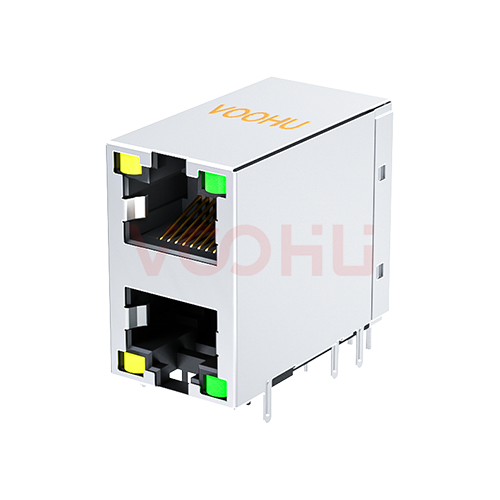 |
SYT59212188AB1A1DY1F022 | SPEC | RJ45 Connector | 90° | 2 x 1 | Up/Down | NO | ALL | ALL | Y/G | DIP | YES | NO | -40 to +85°C |
|
||
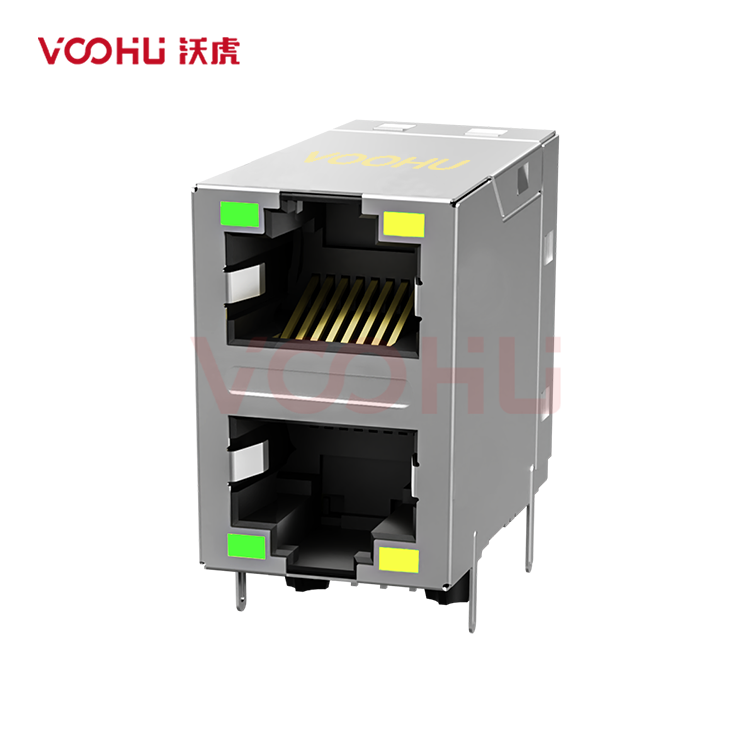 |
WH59C31881111101 | SPEC | RJ45 Connector | 90° | 2 x 1 | Up/Down | NO | ALL | Non-PoE | G/Y | DIP | YES | NO | -40 to +85°C |
|
||
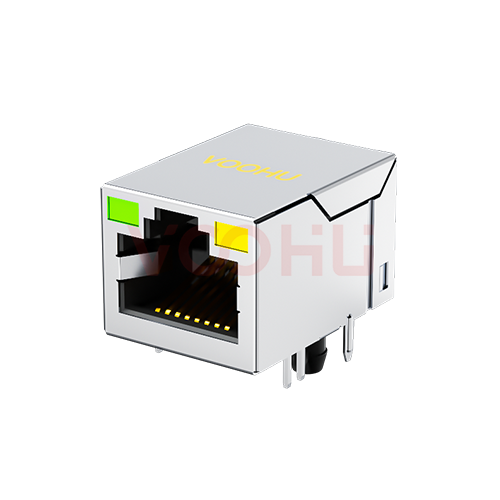 |
SYT211Q106CD2A4D | SPEC | RJ45 Connector | 90° | 1 x 1 | Up | YES | 100/1000M | Non-PoE | G/Y | DIP | YES | NO | -40 to +85°C |
|
||
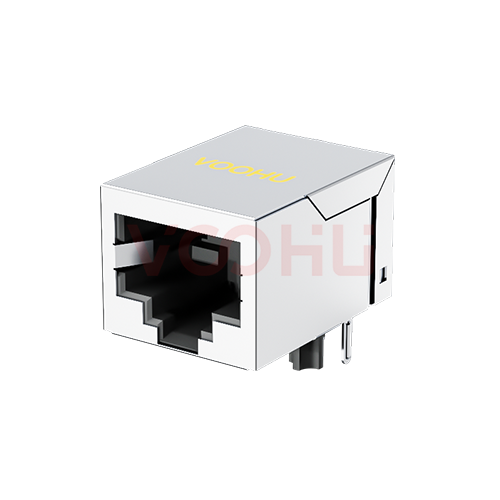 |
SYT111Q594GWA21DB1 | SPEC | RJ45 Connector | 90° | 1 x 1 | Down | YES | 10G Base-T | Non-PoE | NO LED | DIP | YES | NO | -40 to +85°C |
|
||
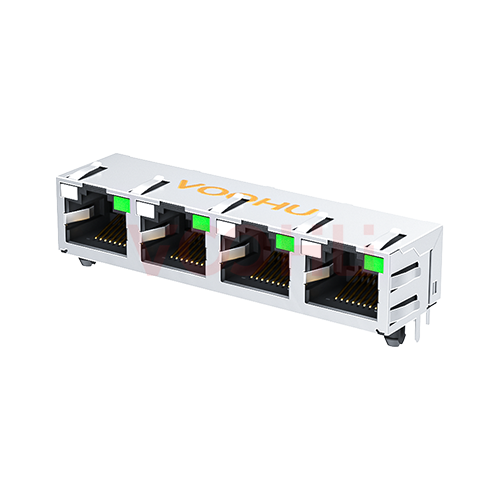 |
SYT561488DF4A3DY1027 | SPEC | RJ45 Connector | 90° | 1 x 4 | Up | NO | ALL | ALL | YG/G | DIP | YES | YES | -40 to +85°C |
|
||
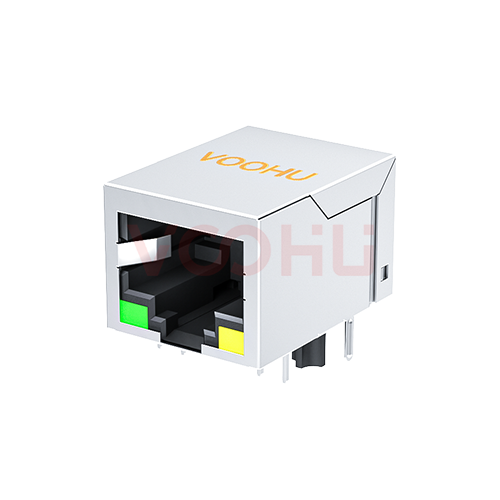 |
SYT111Q880BA2A1DGDJ | SPEC | RJ45 Connector | 90° | 1 x 1 | Down | YES | 100/1000M | Non-PoE | G/Y | DIP | YES | NO | -40 to +105°C |
|
||
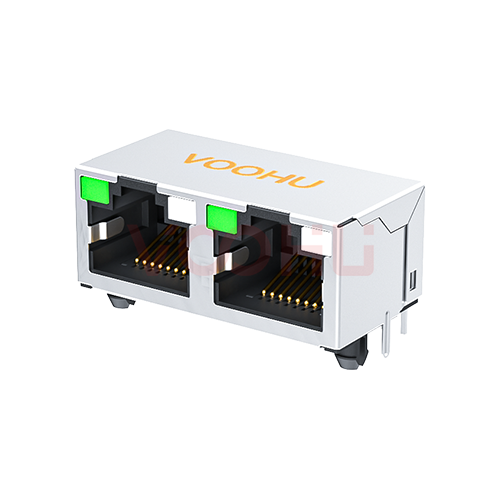 |
SYT561288AE6A3DY1027 | SPEC | RJ45 Connector | 90° | 1 x 2 | Up | NO | ALL | ALL | G/GO | DIP | YES | NO | -40 to +85°C |
|
||
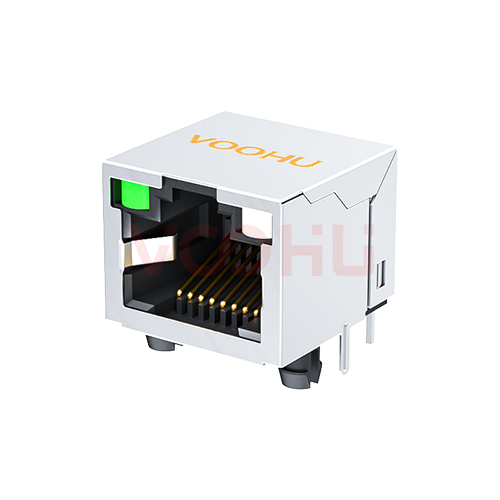 |
SYT561188AE6A3DY1027 | SPEC | RJ45 Connector | 90° | 1 x 1 | Up | NO | ALL | ALL | G/GO | DIP | YES | NO | -40 to +85°C |
|
||
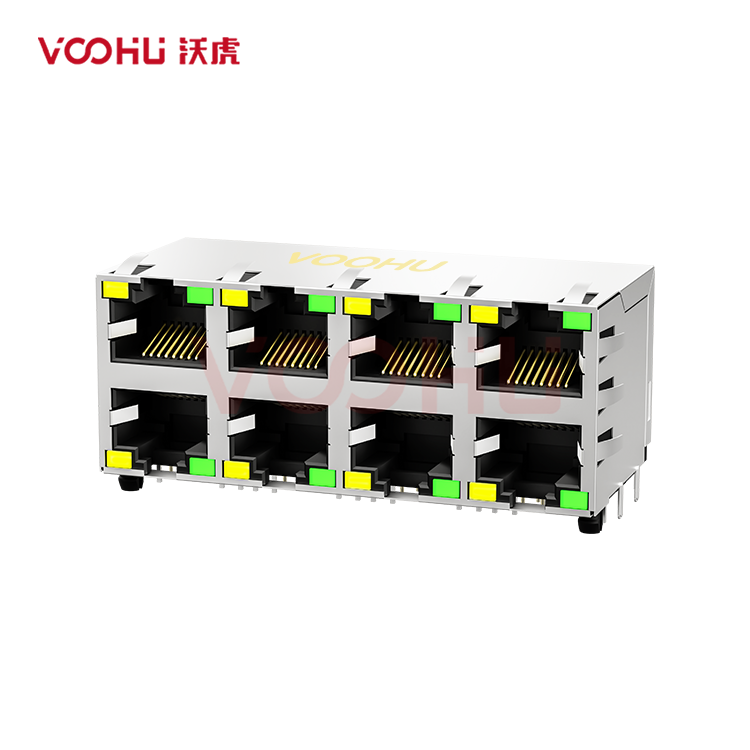 |
WH59G82604123C12 | SPEC | RJ45 Connector | 90° | 2 x 4 | Up/Down | YES | 100/1000M | Non-PoE | Y/G | DIP | YES | YES | -40 to +85°C |
|
||
|
|
WH59G82604623C12 | SPEC | RJ45 Connector | 90° | 2 x 4 | Up/Down | YES | 100/1000M | Non-PoE | GO/GO | DIP | YES | YES | -40 to +85°C |
|
||
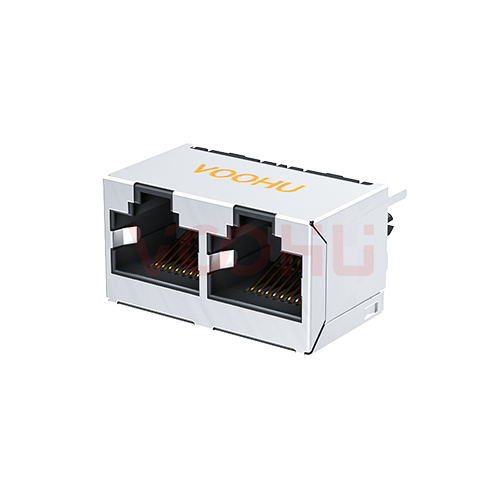 |
SYT52241288GWA1DY1A188 | SPEC | RJ45 Connector | 180° | 1 x 2 | Up | NO | ALL | ALL | NO LED | DIP | YES | NO | -40 to +85°C |
|
||
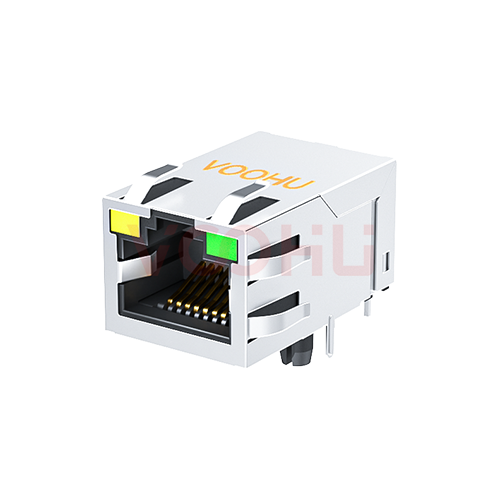 |
SYT311Q884DB1A4DHBN1 | SPEC | RJ45 Connector | 90° | 1 x 1 | Up | YES | 10G Base-T | Non-PoE | Y/G | DIP | YES | YES | -40 to +85°C |
|
||
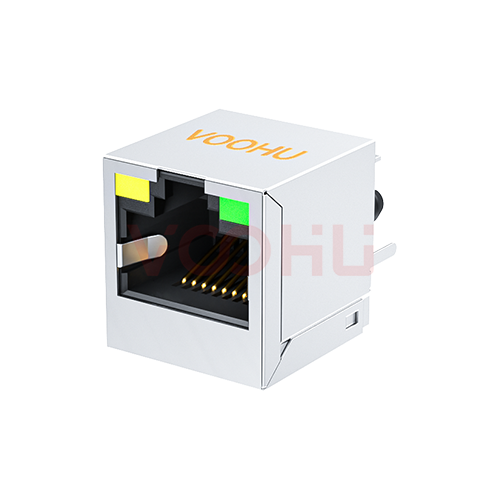 |
SYT52241188AC1A1DY1188 | SPEC | RJ45 Connector | 180° | 1 x 1 | Up | NO | ALL | ALL | Y/G | DIP | YES | NO | -40 to +85°C |
|
||
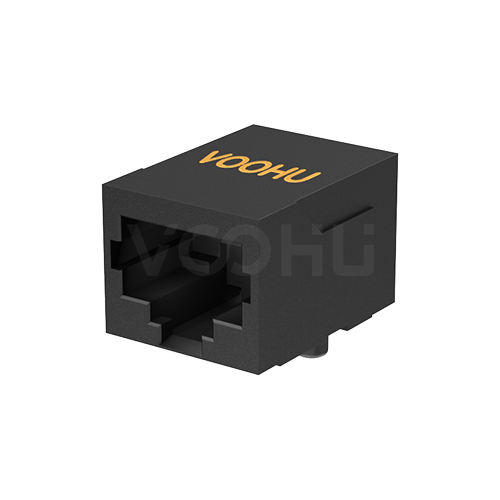 |
SYT111B002IWA7S | SPEC | RJ45 Connector | 90° | 1 x 1 | Down | YES | 10/100M | Non-PoE | NO LED | SMD | NO | NO | -40 to +85°C |
|
||
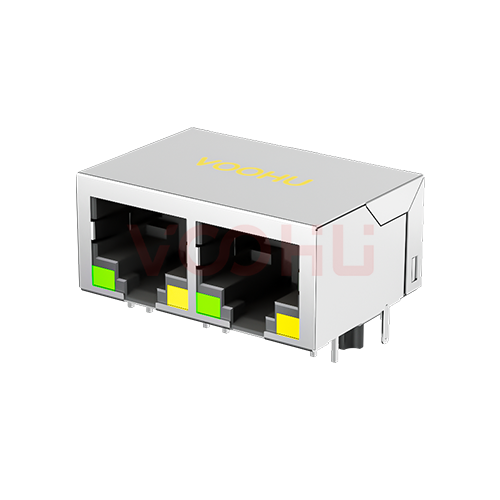 |
SYT112B002AB2A1D3 | SPEC | RJ45 Connector | 90° | 1 x 2 | Down | YES | 10/100M | Non-PoE | G/Y | DIP | YES | NO | -40 to +85°C |
|
||
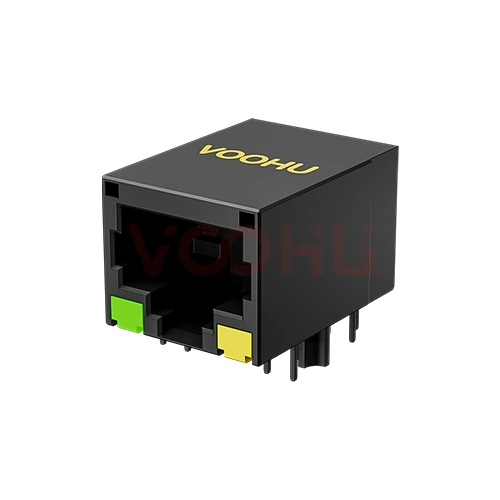 |
SYT111B624JB2A1DDJP | SPEC | RJ45 Connector | 90° | 1 x 1 | Down | YES | 10/100M | 720mA | G/Y | DIP | NO | NO | -40 to +85°C |
|
||
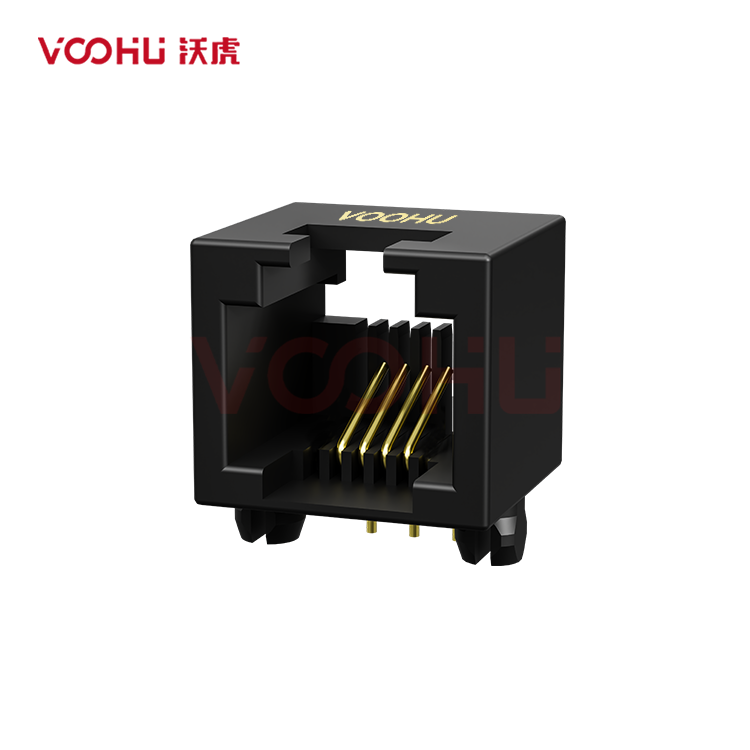 |
SYT53C1882180101B3 | SPEC | RJ45 Connector | 90° | 1 x 1 | Up | NO | ALL | ALL | NO LED | DIP | NO | NO | -40 to +85°C |
|
||
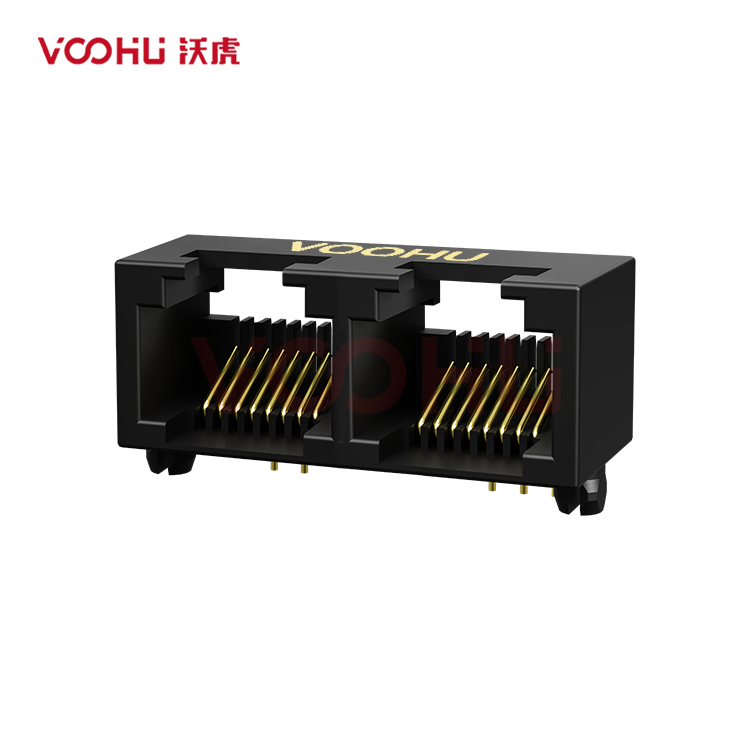 |
SYT53C28821D0121 | SPEC | RJ45 Connector | 90° | 1 x 2 | Up | NO | ALL | ALL | NO LED | DIP | NO | NO | -40 to +85°C |
|
||
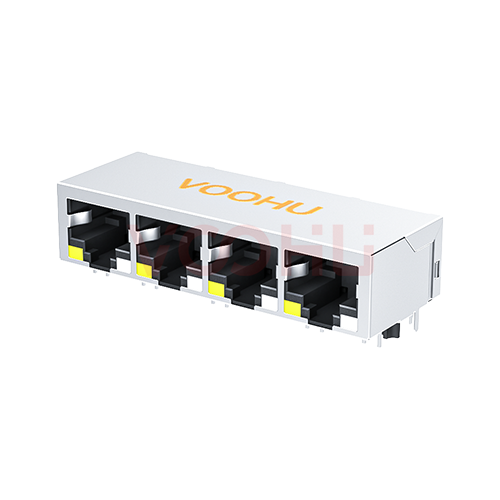 |
SYT114Q878AE5A1D | SPEC | RJ45 Connector | 90° | 1 x 4 | Down | YES | 100/1000M | Non-PoE | Y/GO | DIP | YES | NO | -40 to +85°C |
|
Broaden the selected filters or clear the current search.
Is this another brand's part number? Find the VOOHU replacement →
By type
RJ45, RJ11, offset and low height variants, combination housings and dust plugs.
How to select
Contact count, then orientation and height, then shielding, then magnetics.
RJ45 uses eight contacts for Ethernet, often written 8P8C. RJ11 uses four or six, written 6P4C or 6P6C, for telephony and low speed serial. They are not interchangeable.
A vertical RJ45 takes the cable from above the board, a right angle RJ45 connector from the board edge, and offset versions shift the opening to meet a fixed panel cutout.
A low profile RJ45 suits slim assemblies. Decide between tab up RJ45 and tab down RJ45 latch positions from the panel side, then confirm clearance above the board.
A shielded RJ45 helps emissions only with a defined chassis path. An RJ45 with magnetics saves board area but fixes the transformer choice.
Parameters
Contact count and mounting orientation decide fit; shielding decides emissions.
Eight for RJ45, four or six for RJ11. The housings differ in width and keying, so an RJ11 plug fits an RJ45 jack but not the reverse.
180° vertical, 90° right angle or 45°, plus offset variants that shift the opening relative to the board so the panel cutout can sit at a different height.
A PCB mount RJ45 jack in through-hole (THT, listed as DIP) gives strength for repeated plugging and suits wave soldering. Surface mount (SMT, listed as SMD) suits reflow but usually needs extra retention.
Low height variants reduce the clearance needed above the board. Multi-port RJ45 housings run from 1 x 2 up to 2 x 8; confirm pitch and the routing space behind each port.
Tab up or tab down sets the latch position. An RJ45 jack with LED lists its colours per side, for example G/Y. Shield tabs and an EMI gasket, where fitted, give the screen a path to chassis.
Some RJ45 housings contain the LAN transformer. A PoE RJ45 in this sense is one of those parts with a rated PoE current listed, for example 600 mA; a plain jack without magnetics does not take part in PoE itself.
Compare
Contact count and mechanical keying separate what looks like one family.
Return to the selector ↑| Category | Parts | Connector Type | Ports | Tab | Integrated Connector Modules | Data Rate | PoE | LED | Mounting Method | Shield Tabs | EMI / Gasket | Operating Temperature | Action |
|---|---|---|---|---|---|---|---|---|---|---|---|---|---|
| RJ11 Connector | 37 | 90°, 180° | 1 x 1, 1 x 2, 1 x 4, 2 x 1, 2 x 4 | Up/Down, up/down, Down, Up | NO | ALL | Non-PoE, ALL | NO LED | DIP | YES, NO | NO | -40 to +85°C | Filter → |
| RJ45 Connector | 637 | 45°, 90°, 180° | 1 x 1, 1 x 2, 1 x 3, 1 x 4, 1 x 5, 1 x 6, 1 x 8, 2 x 1, 2 x 2, 2 x 3, 2 x 4, 2 x 5, 2 x 6, 2 x 8 | Up/Down, up/down, Down, Up | YES, NO | ALL, 10/100M, 100/1000M, 2.5G Base-T, 5G Base-T, 10G Base-T, 10/100M +SPD, 100/1000M +SPD | Non-PoE, 350mA, 600mA, 720mA, 900mA, 850mA, 1000mA, 1.5A, ALL | NO LED, G/-, G/G, G/Y, G/O, G/GO, G/GY, GO/Y, GO/G, GY/Y, GY/G, GY/YG, GY/GY, GR/GG, GO/GO, GR/GR, GG/RG, OG/Y, Y/G, Y/GY, Y/GO, YG/G, YG/YG, -/G, Y/- | DIP, SMD | YES, NO | YES, NO | 0 to +70°C, -40 to +85°C, -40 to +105°C | Filter → |
| RJ45 Offset Connector | 46 | 90° | 1 x 1, 1 x 4 | Down, Up | YES, NO | ALL, 10/100M, 100/1000M, 2.5G Base-T, 10G Base-T | Non-PoE, ALL | NO LED, G/Y, G/GY, GO/Y, GO/G, O/G, Y/G, Y/GO | DIP, SMD | YES, NO | YES, NO | 0 to +70°C, -40 to +85°C | Filter → |
| RJ45(Low Height) | 29 | 90° | 1 x 1 | Up/Down, Down, Up | YES, NO | ALL, 10/100M, 100/1000M, 5G Base-T, 10G Base-T | Non-PoE, ALL | NO LED, G/Y, GO/Y, GY/Y, GY/G, OG/Y, Y/G, YG/G | DIP | YES, NO | YES, NO | -40 to +85°C | Filter → |
| RJ45 Combination | 33 | 90° | 1 x 1 | Up | YES, NO | ALL, 10/100M, 100/1000M, 2.5G Base-T, 5G Base-T, 10G Base-T | Non-PoE, ALL | NO LED, G/Y, G/GY, GO/Y, GY/G, OG/Y, Y/G, Y/OG, Y/GO | DIP | YES | YES, NO | -40 to +85°C | Filter → |
| RJ45 Dust Plug | 2 | 180° | 1 x 1 | Not specified | NO | - | - | NO LED | Not specified | NO | NO | -10 to +85°C, Not specified | Filter → |
| RJ45 combined | 1 | 90° | 1 x 1 | Up | YES | 2.5G Base-T | Non-PoE | G/Y | DIP | YES | YES | -40 to +85°C | Filter → |
Application review
Confirm the link speed, the panel arrangement and the height available on the board.
Documents
For every RJ45 PCB connector, the drawing carries the footprint, panel cutout, retention and recommended hole sizes; many parts also list a 3D model and a PCB footprint file.
Showing representative available file sets. Search to find a specific SKU.
VOOHU’s published product content is reviewed by its engineering team. Specifications, downloads and technical support information are tied to specific part numbers, so you can verify them before requesting samples or a quotation.
Category overview
These connectors look like one family, but contact count, shielding and integrated magnetics each change what the port can do.
RJ45 carries eight contacts, often written 8P8C, and is the Ethernet connector. RJ11 carries four or six in a narrower housing for telephony and low speed serial. An RJ11 plug will physically enter an RJ45 jack because it is narrower, which is a frequent source of confusion, but an RJ45 plug will not fit an RJ11 jack.
Strictly, both belong to the modular jack family, where parts are named by positions and contacts. That is why a drawing may say 8P8C instead of RJ45, and why a six-position RJ11 PCB jack can be 6P4C or 6P6C. The eight-way interface itself is defined mechanically in the IEC 60603-7 series.
A shielded housing gives the cable screen somewhere to terminate, which helps emissions and immunity. It only does that if the board provides a defined low impedance path from the housing to chassis. A shielded connector wired to a floating shell can perform worse than an unshielded one, so plan the ground path early.
The selector shows this as the Shield Tabs and EMI / Gasket fields. A shielded RJ45 connector with its tabs soldered to chassis ground, plus a gasket where the panel needs one, is the usual choice for screened Cat5e or Cat6 cabling; an unshielded RJ45 suits UTP links where the emissions margin is comfortable.
An RJ45 with the LAN transformer built into the housing saves board area and shortens the differential routing, which helps signal integrity. The trade is that the magnetics are fixed inside the part: you cannot change the transformer without changing the connector, and the speed is set at selection time.
In the selector these are the Integrated Connector Modules (ICM), and MagJack (RJ45 jack with integrated magnetics) is the common name for the same idea. Their data-rate field runs from 10/100M through 100/1000M for 1000BASE-T up to 10G Base-T. Choose an RJ45 connector with magnetics when board area matters most, and an RJ45 connector without magnetics when the transformer has to be chosen separately, for example for a different isolation or PoE requirement.
FAQ
Answers cover RJ45 against RJ11, shielding, magnetics and mounting choices.
RJ45 has eight contacts, often written 8P8C, and is used for Ethernet. RJ11 has four or six contacts in a narrower housing and is used for telephony and low speed serial links. They are not interchangeable, although an RJ11 plug will physically fit into the wider RJ45 jack.
Eight positions, eight contacts. It is the precise name for what most people call an RJ45 connector, describing a housing with eight contact positions all populated. The term appears on drawings and in standards documents where the registered jack designation would be less exact.
In practice, yes. RJ45 socket and RJ45 receptacle both describe the board-side part a plug mates into. Ethernet jack and LAN connector are the everyday names for the same port on finished equipment, and drawings usually call it an 8P8C modular jack.
When the installation uses shielded cable, when the product must meet demanding emission limits, or when the port sits in an electrically noisy environment. The shielded housing only helps if the board gives it a defined low impedance path to chassis, so plan that connection with the connector choice.
It saves board area and shortens the differential routing, which helps signal integrity, but it fixes the magnetics specification inside the connector. If you need to choose the transformer independently, or if the link speed may change later, use a plain connector with discrete magnetics instead.
Tab describes where the plug latch sits with the board horizontal: a tab down jack puts the latch toward the board, tab up away from it, and stacked 2 x N housings often use both. Choose from the panel side so the latch can be pressed easily, and check that LED positions still match the legend.
Through hole gives more mechanical strength, which matters on a port that is plugged repeatedly or takes cable strain. Surface mount suits automated assembly and thinner boards but usually needs additional retention. Judge it on the expected mating cycles, the contact gold plating and the mechanical load, and take the RJ45 connector footprint from the part file, not from a similar part.
With a complete part number, send the part number, quantity, delivery region and the date you need it. If you are still selecting, send the contact count, orientation, height available, whether you need shielding or integrated magnetics, and the link speed.
Engineer support
Send the candidate part number and the condition you need reviewed. Sample support can be added after the selection is clear; commercial questions may be discussed in the same engineering conversation.
Include the document revision
Temperature, isolation voltage and PoE current basis
Pin count, pitch and spacing between pin rows
To help prioritize samples and evaluation
When you need candidates and a comparison of differences
Engineering review identifies candidate parts and explains the differences.
From the selector or engineering review
Prototyping / pilot build / production
Specify sample and production timing separately
Compliance documents, material declarations or third-party reports
Samples are available for evaluation, and selected parts are free of charge. Our FAE team will be glad to confirm the options for your project. Sales will respond on business days.