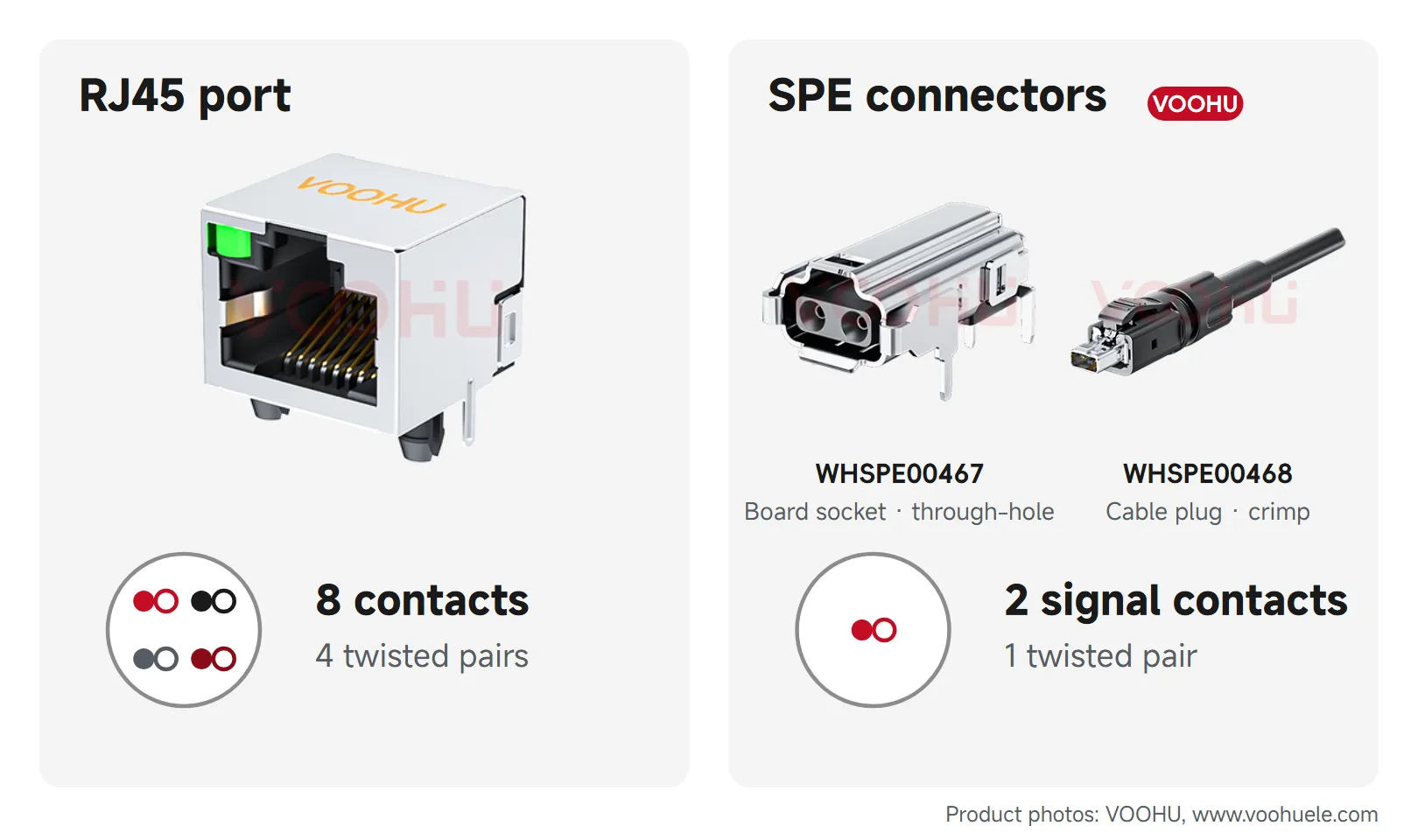
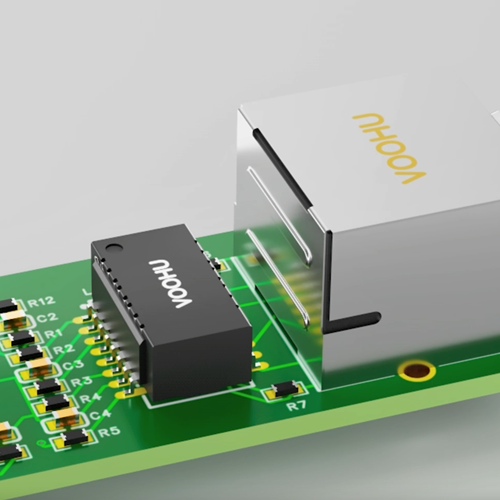
QSGMII (Quad Serial Gigabit Media Independent Interface) is a MAC-to-PHY interface that combines four SGMII ports into a single 5 Gb/s serial link, so one SerDes lane in each direction carries four 10/100/1000 Mbit/s Ethernet ports. It is used between a multi-port switch or processor and multi-port gigabit PHYs, where four separate SGMII links would need four times the lanes and pins. An 8-port gigabit PHY connects to the switch through two QSGMII links. USXGMII is a different interface family that carries one or more ports at speeds from 10 Mbit/s to 10 Gbit/s over a single SerDes. VOOHU is an authorized distributor of JLSemi Ethernet PHYs, including the 8-port JL2308 and JL2388 with QSGMII.
#What is the purpose of QSGMII?
QSGMII saves SerDes lanes and pins on multi-port boards. SGMII carries one port at 1.25 Gbit/s over one differential pair in each direction, so eight copper ports would need eight SGMII links: 16 pairs and 32 data pins, not counting clocks. QSGMII carries four ports on one 5 Gb/s lane, so the same eight ports need two links: four pairs and eight data pins. Fewer high-speed traces between the switch and the PHY also make the board easier to route. Each port inside the link still runs at 10, 100 or 1000 Mbit/s, so QSGMII is aimed at gigabit copper ports.
For single-port boards, the parallel interfaces MII, RMII and RGMII and single-port SGMII are compared in MII vs RMII vs RGMII vs SGMII.
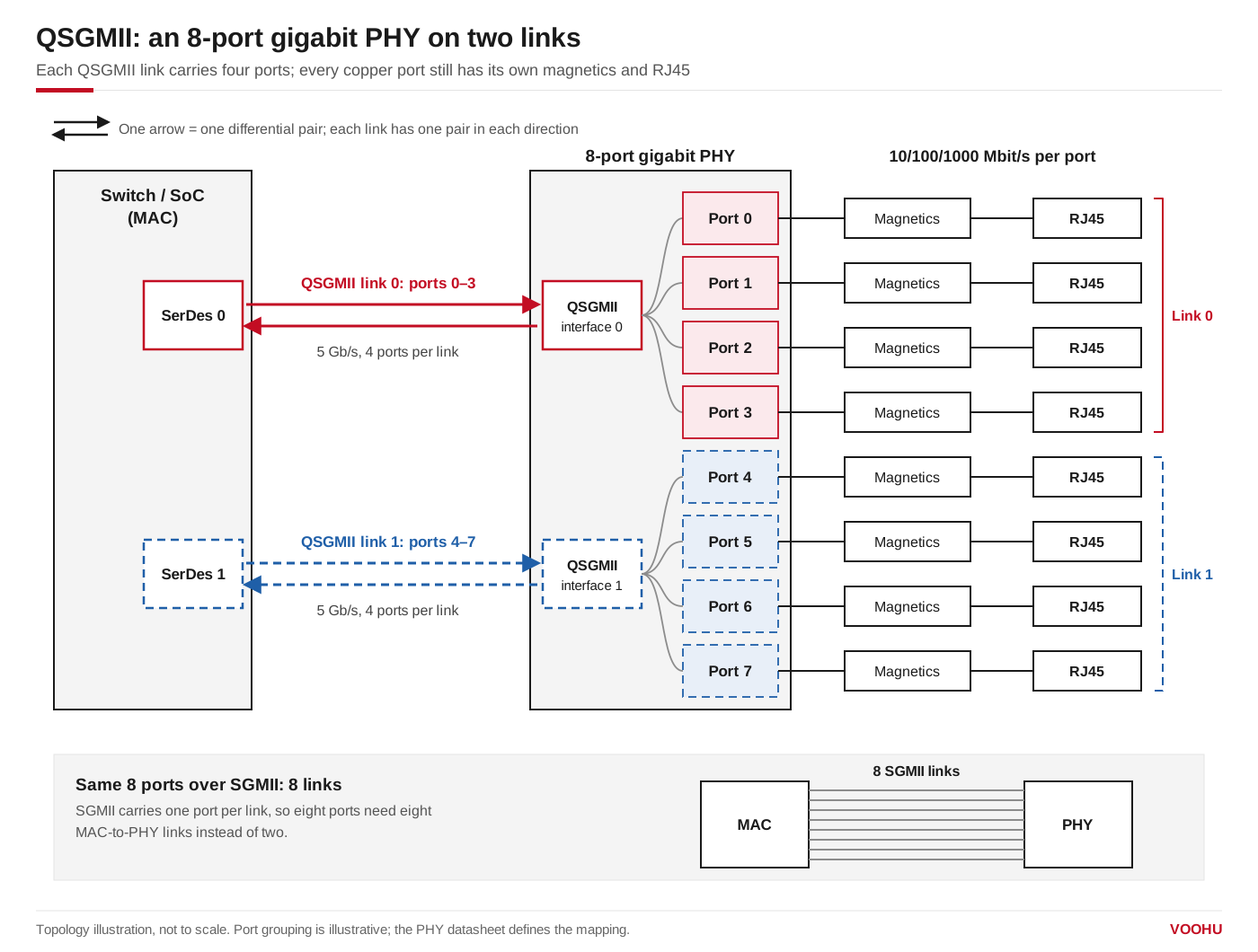
An 8-port gigabit PHY connects to the switch through two QSGMII links, four ports per link; each copper port still has its own magnetics and RJ45. Port grouping is illustrative; the PHY datasheet defines the actual mapping.
#QSGMII vs SGMII: what is the difference?
Sources: AMD's QSGMII product guide (PG029) and Cisco's USGMII and USXGMII specifications. Both ends of a link must run the same mode: a QSGMII PHY needs a MAC or switch port that supports QSGMII, and an SGMII-only port cannot talk to it directly.
#What is USXGMII, and how does it compare with QSGMII?
USXGMII is a Cisco-defined interface that carries Ethernet at any rate from 10 Mbit/s to 10 Gbit/s over a single SerDes, in single-port and multi-port (USXGMII-M) versions, at a 5G or 10G SerDes rate. It exists because SGMII and QSGMII stop at 1 Gbit/s per port, while 2.5G, 5G and 10G copper ports need a faster link. QSGMII fits four gigabit ports per lane; USXGMII fits ports that run faster than 1 Gbit/s, or a MAC that must cover every rate from 10M to 10G on one interface. For a single 2.5G port, PHYs also use other SerDes modes: the JL4201 2.5G PHY, for example, connects over SGMII, H-SGMII or 2500BASE-X.
#How to choose a QSGMII PHY
- 1.Count ports and lanes. One QSGMII link serves four gigabit ports, so an 8-port PHY uses two of the switch's SerDes lanes.
- 2.Match the mode. Check which modes the switch or SoC SerDes supports, such as QSGMII, USGMII or SGMII, and pick a PHY that offers one of them.
- 3.Check management and clocking. Confirm MDIO addressing for all ports and the reference clock options in the PHY datasheet.
- 4.Plan the magnetics. Each copper port still needs a LAN transformer or an RJ45 jack with integrated magnetics.
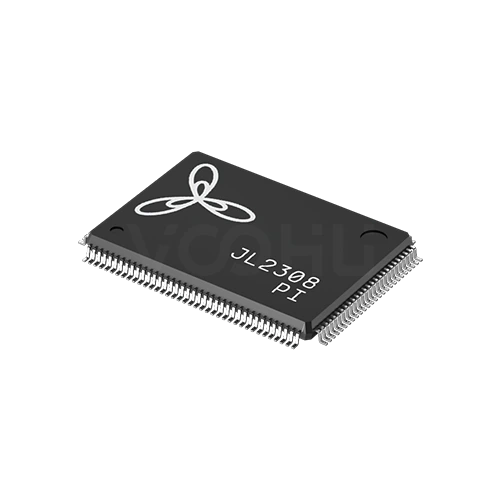
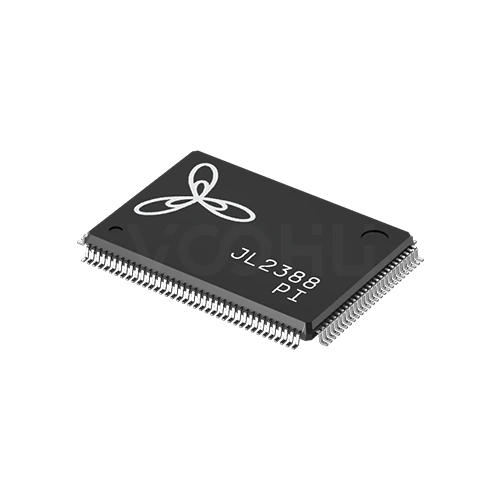
Ports, interfaces and packages are taken from each part's JLSemi product brief. The JL2308 and JL2388 each give a direct connection to a MAC or switch port over two QSGMII links or one O-USGMII link; compare their briefs for LED, clock and test features. Commercial and industrial temperature grades are listed on the product pages, for example JL2308-PC and JL2308-PI. Browse the JL2308 and JL2388 series, or compare all JL-series PHYs in the Ethernet PHY selector.
#FAQ
What is the QSGMII speed?
A QSGMII link runs at 5 Gb/s and carries four Ethernet ports, each at 10, 100 or 1000 Mbit/s. That is four times the 1.25 Gbit/s of SGMII, which is how four gigabit ports share one lane in each direction.
Can QSGMII connect to SGMII?
Not directly. QSGMII carries four ports on one 5 Gb/s lane, while an SGMII port expects one port at 1.25 Gbit/s. Use a MAC or switch port that supports QSGMII, a PHY that offers SGMII, or a device that converts between the two. Some switch and SoC SerDes lanes can be configured for either mode, so check the datasheet.
What is the difference between USXGMII and SGMII?
SGMII carries one port at up to 1 Gbit/s over a 1.25 Gbit/s link. USXGMII carries one port, or several in its multi-port form, at any rate from 10 Mbit/s to 10 Gbit/s over a 5G or 10G SerDes, so it suits 2.5G, 5G and 10G copper PHYs.
Get help matching a multi-port PHY to your switch
Send your switch chip or processor, the SerDes modes its ports support, and the number and speed of your copper ports through our sample and support request form. Our FAE team can check whether a QSGMII PHY such as the JL2308 matches your MAC, suggest the LAN transformers or MagJacks for each port and help review the interface configuration. Samples are available for evaluation, and selected parts are free of charge. Our FAE team will be glad to confirm the options for your project.
VOOHU supplies RJ45 and SFP connectors, LAN and PoE transformers, common mode chokes and Ethernet PHY and switch chips from Suzhou, China, to more than 1,500 customers.
Need a quote, samples or selection support?
Part number JL2308-PI is filled in for you. Add the quantity and lead time and submit. Our FAE team will be glad to confirm the options for your project.
Before you order: samples, MOQ, lead time and import duties in our ordering guide →