Data rate
Choose the part rated for the highest PHY mode on the link. Loss and crosstalk limits are written for that rate, so a 10/100 part is not specified for gigabit signalling.
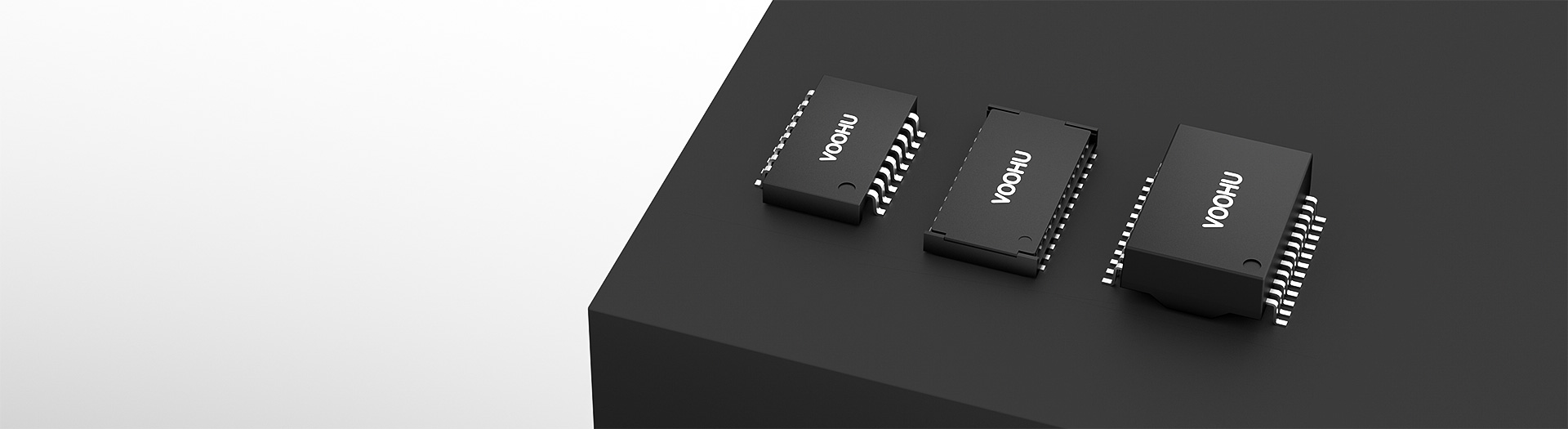
Ethernet magnetics
Find discrete Ethernet transformers for switches, industrial gateways, routers and other copper Ethernet interfaces. Browse VOOHU 10/100, Gigabit, 2.5G/5G and 10G product ranges by rate, ports, mounting, temperature and PoE needs. Open part-specific design files, request samples or pricing for a known part, or contact our sales engineers for FAE-assisted selection and replacement review.
Part number search & selector
The table lists VOOHU LAN transformer part numbers with their selection parameters. Open a part number for its datasheet and design files.
* Frozen Image and Part Number columns · drag horizontally to review all specifications
| Image | Datasheet | Compare | Downloads |
Data Rate
|
Mounting Method
|
Ports
|
Pins
|
Pitch
|
Operating Temperature
|
Vt (V RMS)
|
PoE
|
Sample |
|---|
| Image | Part number | Datasheet | Compare | Downloads | Data Rate | Mounting Method | Ports | Pins | Pitch | Operating Temperature | Vt (V RMS) | PoE | Sample |
|---|---|---|---|---|---|---|---|---|---|---|---|---|---|
 |
WH16603T1 | SPEC | 10/100 Base-TX | SMD(Low height) | Single Port | 16 Pin | 1.27mm | -40 up to +105 °C | 1500 | Non-PoE |
|
||
 |
WHS16002GA | SPEC | 10/100 Base-TX | SMD | Single Port | 16 Pin | 1.27mm | -40 up to +125 °C | 1500 | Non-PoE |
|
||
 |
WHS16503G | SPEC | 10/100 Base-TX | SMD | Single Port | 16 Pin | 1.27mm | 0 up to 70 °C | 1500 | Non-PoE |
|
||
|
|
WHS16002-1PTG | SPEC | 10/100 Base-TX | SMD | Single Port | 16 Pin | 1.27mm | -40 up to +85 °C | 1500 | PoE+ (up to 720 mA) |
|
||
|
|
WHS16002GM | SPEC | 10/100 Base-TX | SMD | Single Port | 16 Pin | 1.27mm | -55 up to +150 °C | 1500 | Non-PoE |
|
||
|
|
WHS160B1PTG | SPEC | 10/100 Base-TX | SMD | Single Port | 16 Pin | 1.27mm | -40 up to +85 °C | 1500 | PoE+ (up to 850 mA) |
|
||
|
|
WHS16037-2KG | SPEC | 10/100 Base-TX | SMD | Single Port | 16 Pin | 1.27mm | 0 up to 70 °C | 2500 | Non-PoE |
|
||
|
|
WHS16037TG | SPEC | 10/100 Base-TX | SMD | Single Port | 16 Pin | 1.27mm | -40 up to +85 °C | 1500 | Non-PoE |
|
||
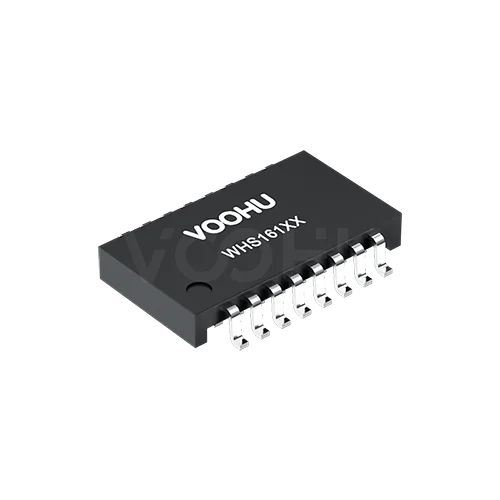 |
WHS16116G | SPEC | 10/100 Base-TX | SMD(Low height) | Single Port | 16 Pin | 1.27mm | 0 up to 70 °C | 1500 | Non-PoE |
|
||
|
|
WHS16013LF | SPEC | 10/100 Base-TX | SMD | Single Port | 16 Pin | 1.27mm | 0 up to 70 °C | 1500 | Non-PoE |
|
||
 |
WHD16506G | SPEC | 10/100 Base-TX | DIP | Single Port | 16 Pin | 2.54mm | 0 up to 70 °C | 1500 | Non-PoE |
|
||
|
|
WHD16503G | SPEC | 10/100 Base-TX | DIP | Single Port | 16 Pin | 2.54mm | 0 up to 70 °C | 1500 | Non-PoE |
|
||
 |
WHD16027G | SPEC | 10/100 Base-TX | DIP | Single Port | 16 Pin | 2.54mm | 0 up to 70 °C | 1500 | Non-PoE |
|
||
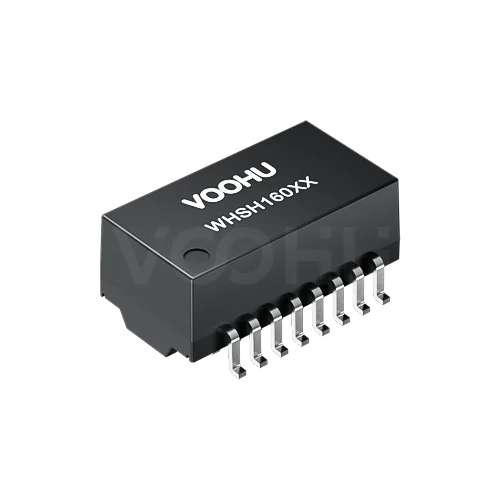 |
WHSH16012P4 | SPEC | 10/100 Base-TX | SMD | Single Port | 16 Pin | 1.27mm | -40 up to +85 °C | 1500 | PoE+ (up to 720 mA) |
|
||
 |
WHSH16F01D4 | SPEC | 10/100 Base-TX | SMD | Single Port | 16 Pin | 2.54mm | -40 up to +85 °C | 4000 | Non-PoE |
|
||
|
|
WHSH16037D0 | SPEC | 10/100 Base-TX | SMD | Single Port | 16 Pin | 1.27mm | -40 up to +85 °C | 2500 | Non-PoE |
|
Parameters in this table are for initial selection. Confirm final design values in the datasheet for each part number.
Broaden the selected filters or clear the current search.
Is this another brand's part number? Find the VOOHU replacement →
Product family quick links
Counts reflect the current public selector data.
How to select
Work outward from the PHY and the port. Data rate and PoE remove most of the catalog; package, temperature and isolation narrow the rest before you open an Ethernet transformer datasheet.
Note the PHY part number, the fastest mode the port will negotiate, from 10/100 up to 10GBASE-T, and whether one body should serve a single port or several.
Decide whether the port is a PSE, a PD or unpowered, and how much current the center taps must carry. A PoE LAN transformer is chosen against that current.
Pick SMD, low-height SMD or through-hole bodies, then check pin count, pitch, row spacing and the operating temperature range the enclosure needs.
Check open circuit inductance (OCL) with its DC bias, insertion loss, return loss, crosstalk, common mode rejection and the hipot condition, then request samples for the shortlist.
Key selection parameters
Every filter maps to a datasheet line. Read each value with its test condition, because two LAN transformers with the same label can be measured in different ways.
Choose the part rated for the highest PHY mode on the link. Loss and crosstalk limits are written for that rate, so a 10/100 part is not specified for gigabit signalling.
A single port LAN transformer serves one RJ45. Dual port LAN transformer and quad port LAN transformer bodies, plus triple and five-port options, put several channels in one magnetics module. Count ports from the schematic, not from the pins.
SMD LAN transformer, low-height SMD and DIP LAN transformer options are listed. Check pin pitch, which runs from 0.99 mm to 2.54 mm in the filter, plus row spacing and body height.
Ranges in the filter run from 0 to 70 °C up to −55 to +150 °C. Use the stated operating range; the word industrial on its own is not a specification.
The Vt column is the hipot test voltage in V rms, starting at 1,500 V and rising to 5,000 V. It is a short withstand test, not a continuous working voltage, so read its duration and tested pins.
Non-PoE parts sit beside PoE, PoE+, PoE++ and 4PPoE options with a current value. Check whether the figure is per channel or across all pairs before comparing it with the PSE or PD budget.
Product family comparison
Each row groups LAN transformers by rate, so you can see which port counts, packages and PoE levels exist at a given speed. Then open the exact part: one family can mix mounting, temperature and isolation values.
Return to the selector ↑Technical performance & application fit
The same port speed can call for a different network transformer in a switch, a gateway or an access point. These notes list what to settle first in each product; they are review points, not a claim that every part suits every design.
Downloads & technical resources
Type a full or partial part number to open its LAN transformer datasheet, STEP model and PCB footprint. Use the pinout and winding diagram in the datasheet for layout, not the package outline.
Showing representative complete file sets. Search to find a specific SKU.
VOOHU’s published product content is reviewed by its engineering team. Specifications, downloads and technical support information are tied to specific part numbers, so you can verify them before requesting samples or a quotation.
Category overview
Every copper Ethernet port has magnetics between the PHY and the RJ45. The choice comes down to link speed, PoE current and whether the magnetics are discrete parts or built into the connector.
Discuss a new design
Contact FAE for a replacement assessment.
Already have a part number? Request samples or a quote.
An Ethernet transformer couples each differential pair magnetically, so the cable and the board share no DC path. That is the isolation IEEE 802.3 asks for, and it is why the same part is also sold as an Ethernet isolation transformer or LAN isolation transformer. Older catalogs call it an Ethernet pulse transformer or simply a signal transformer; the function is the same.
Most parts add a common mode choke on each channel, and that Ethernet transformer common mode choke is what rejects noise picked up along the cable. Neither function is an optional filter.
A 10/100 Ethernet transformer, a gigabit Ethernet transformer and a 10G Ethernet transformer are specified over different frequency ranges. A 10/100BASE-TX port uses two pairs, while a 1000BASE-T transformer has to handle all four, as do faster modes, so return loss, insertion loss and crosstalk limits are written for the rate the part is rated for.
A gigabit part is not automatically good for 2.5GBASE-T or above. Select against the highest speed the PHY will ever negotiate, not the speed the product launches with.
In a PoE Ethernet transformer the DC current enters or leaves through the cable-side center taps, so the core has to carry that bias without saturating. The selector lists PoE, PoE+, PoE++ and 4PPoE options, each with a current value; a non-PoE part on a powered port saturates and the link degrades or drops.
Choose the Ethernet transformer for PoE by current per channel, then confirm which pins are center taps in the Ethernet transformer schematic before layout.
FAQ & related guides
Short answers on naming, center taps, speed, PoE and replacement. The limits for any given part still come from its own datasheet.
Yes. In practice these names, along with Ethernet magnetics, LAN magnetics and network magnetics, describe the same signal magnetics for copper Ethernet ports. Keep three part types apart: discrete transformers on this page, RJ45 jacks with integrated magnetics, and PoE power transformers, which sit in the DC-DC stage and do a different job.
Start with the PHY reference design. It states the data rate, the line driver type and how the PHY-side center tap is connected, and it often lists recommended OCL, turns ratio and loss limits for Ethernet PHY magnetics. Compare those limits with the Ethernet transformer datasheet, then match ports, PoE current, package and temperature.
It depends on the PHY. Current-mode line drivers usually need the PHY-side center tap fed from a supply, while voltage-mode drivers usually take a decoupling capacitor to ground. Cable-side center taps go to the Bob Smith termination or to the PoE path. Follow the PHY reference design and the Ethernet transformer pinout, and ask our FAE team to check the schematic if the two disagree.
Not by default. 2.5GBASE-T and 5GBASE-T signalling occupy a wider band than 1000BASE-T, so return loss, insertion loss and crosstalk must be specified over that range. Choose a part listed for 2.5G/5G, or a 10GBASE-T transformer if the PHY may later run 10G, and confirm the limits in its datasheet.
Work out the current each pair carries for your PoE class and for the PSE or PD side, then choose a part whose PoE rating covers it, noting whether the figure is per channel or total. The DC bias used in an OCL test is not a PoE rating. The LAN transformer only passes the DC current through its center taps; converting that power is the job of a separate PoE power transformer.
Discrete magnetics let you place the transformer, choose the RJ45 separately and route the common mode path your way, at the cost of board area. An RJ45 jack with integrated magnetics saves space and BOM lines. Neither is always better for signal quality or cost, so decide from PCB space, PoE, EMC and assembly. Never add a second transformer to a jack that already contains magnetics.
Yes. Send the original part number and its datasheet. Our FAE team compares footprint, pin functions, center taps, turns ratio, PoE rating and isolation, then lists the differences you need to validate. A LAN transformer replacement is confirmed by that review and by sample testing, never by pin count and pitch alone.
VOOHU is a LAN transformer manufacturer with its own magnetics factory in Mianyang, China. For a known part, send the part number, quantity and destination. Samples are available for evaluation and selected parts are free of charge; our FAE team confirms the options. Pricing and lead time are confirmed per part and order, and the first reply comes within 1 business day.
Engineer support
Send the candidate part number and the condition you need reviewed. Sample support can be added after the selection is clear; commercial questions may be discussed in the same engineering conversation.
Include the document revision
Temperature, isolation voltage and PoE current basis
Pin count, pitch and spacing between pin rows
To help prioritize samples and evaluation
When you need candidates and a comparison of differences
Engineering review identifies candidate parts and explains the differences.
From the selector or engineering review
Prototyping / pilot build / production
Specify sample and production timing separately
Compliance documents, material declarations or third-party reports
Samples are available for evaluation, and selected parts are free of charge. Our FAE team will be glad to confirm the options for your project. Sales will respond on business days.